


Tickwork Attendance & Payroll
From clock-in to payslip
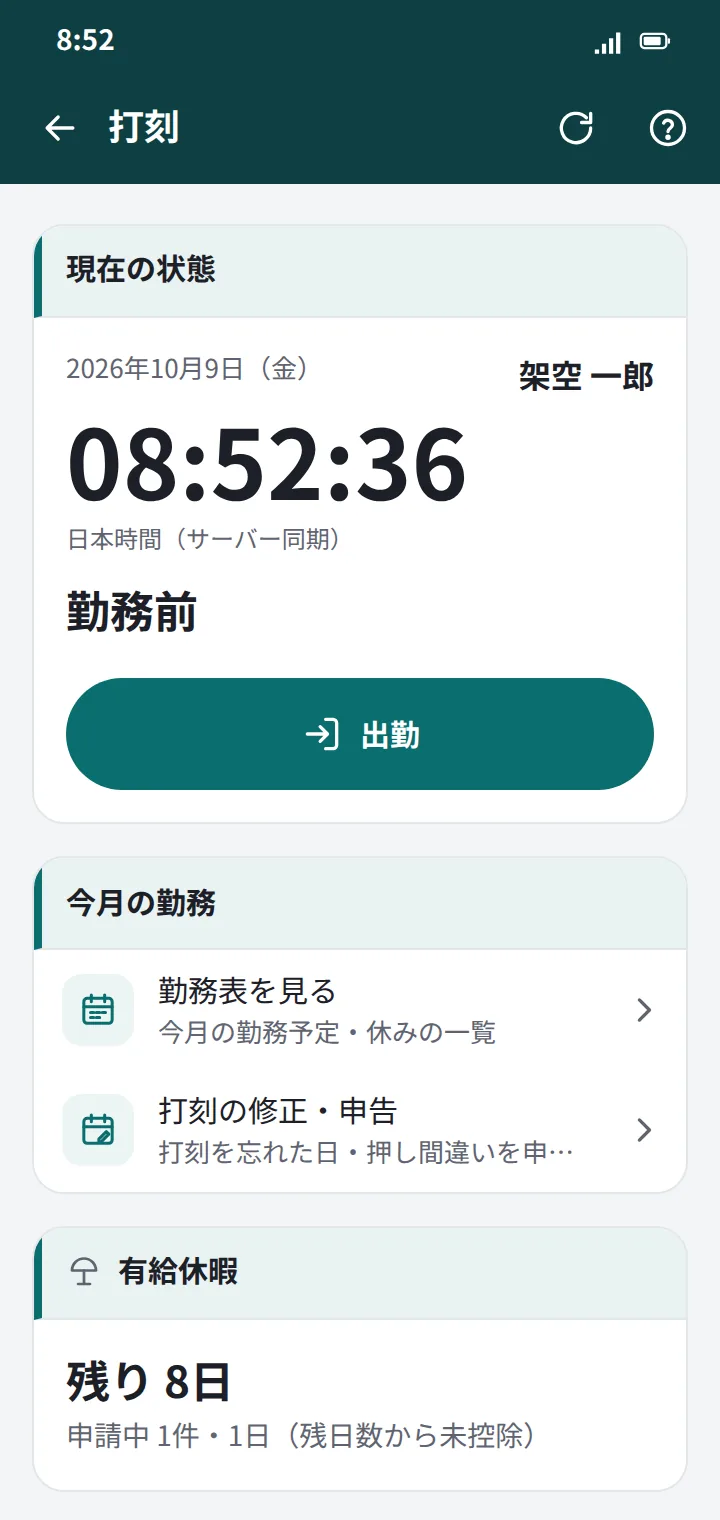
- 1Clock in on a smartphone
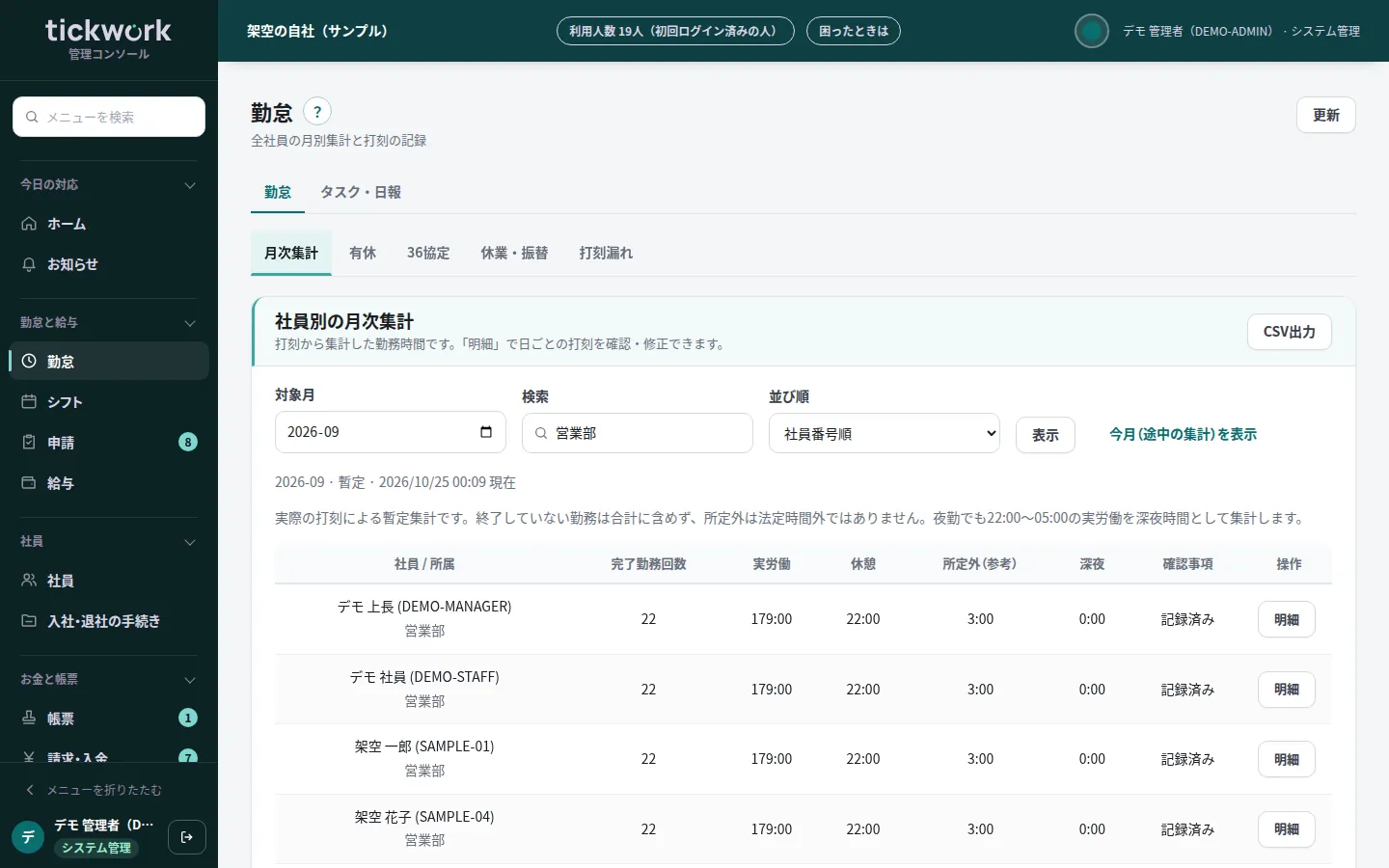
- 2Attendance tallied automatically
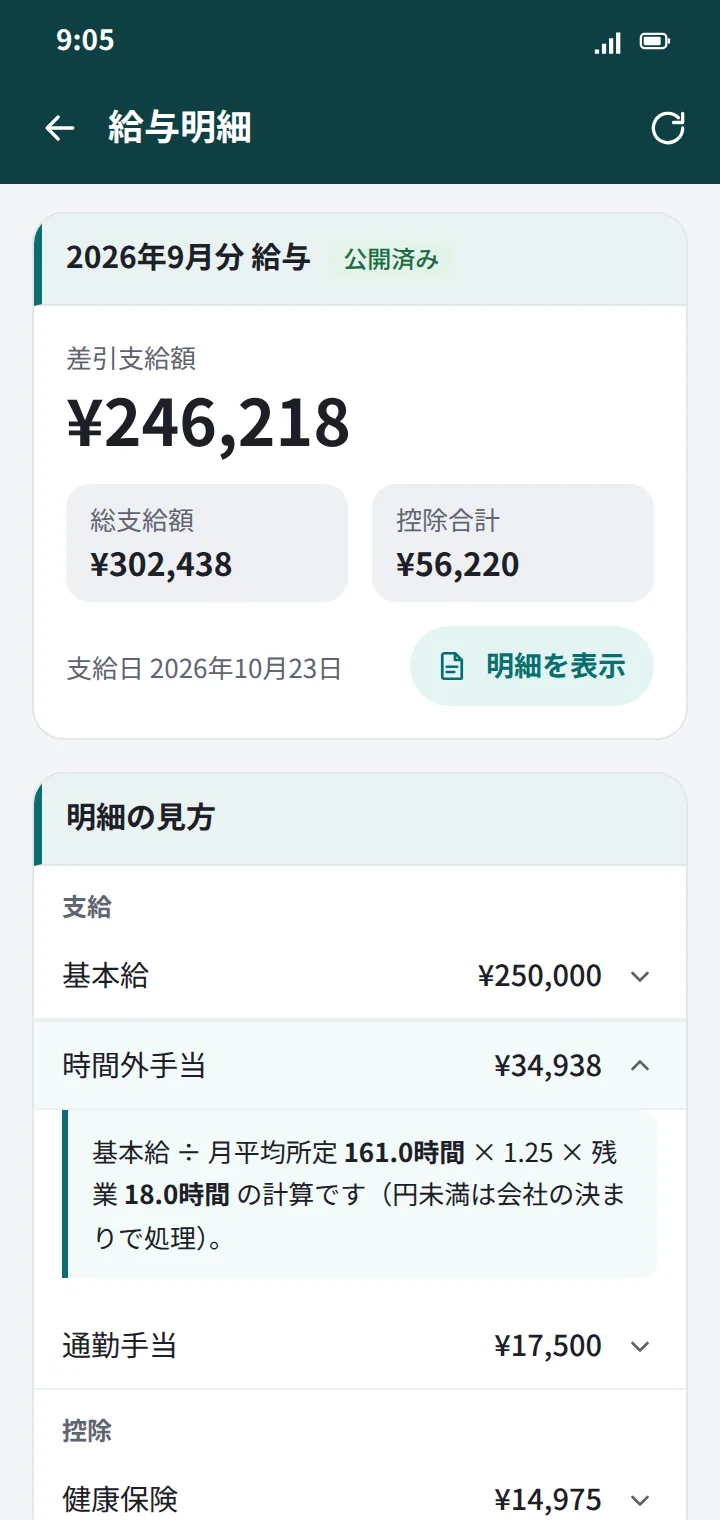
- 3Payslips on smartphones
This page is a translation of the Japanese page. Inquiries and support are handled in Japanese. The admin console is available in Japanese only; the employee app supports 日本語, English, Tiếng Việt, 中文(简体), 中文(繁體), 한국어 and नेपाली.
Attendance, invoicing, inventory and projects
See how everyday work changes,
Until now
With Tickwork
Press a feature
For two or more, choose Tickwork All-in-One.
Clock-in/clock-out,
From ¥6,000 per month (excl. tax, up to 10 users)
Quotations,
From ¥6,000 per month (excl. tax, up to 10 users)
Inventory,
From ¥6,000 per month (excl. tax, up to 10 users)
Projects,
From ¥6,000 per month (excl. tax, up to 10 users)
 Clock in on a smartphoneClock in and out on a smartphone, or with a shared tablet or clock-in card.
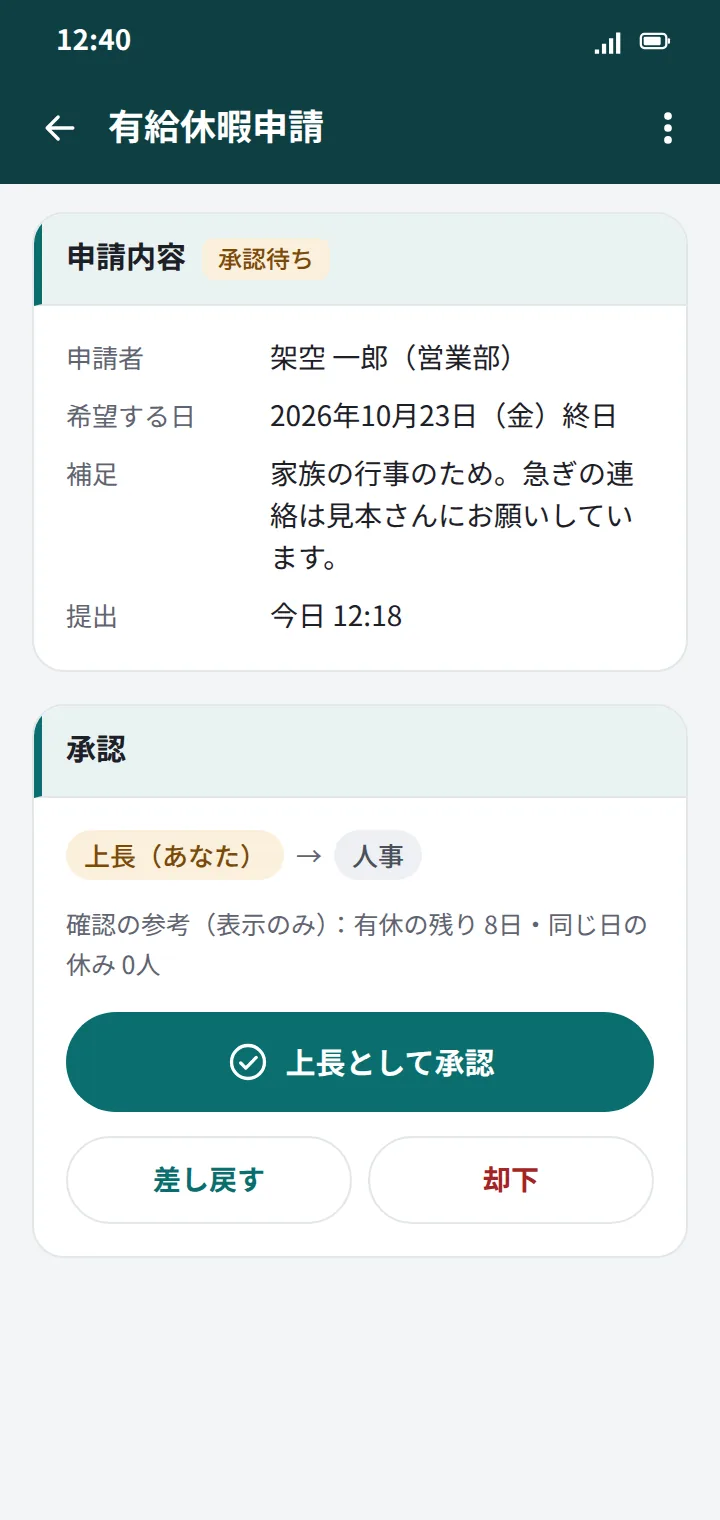 Approve requests on a smartphoneManagers can approve leave, overtime and expense requests even while away from the office.Attendance tallied automaticallyClock-ins and approved requests flow directly into monthly attendance records.
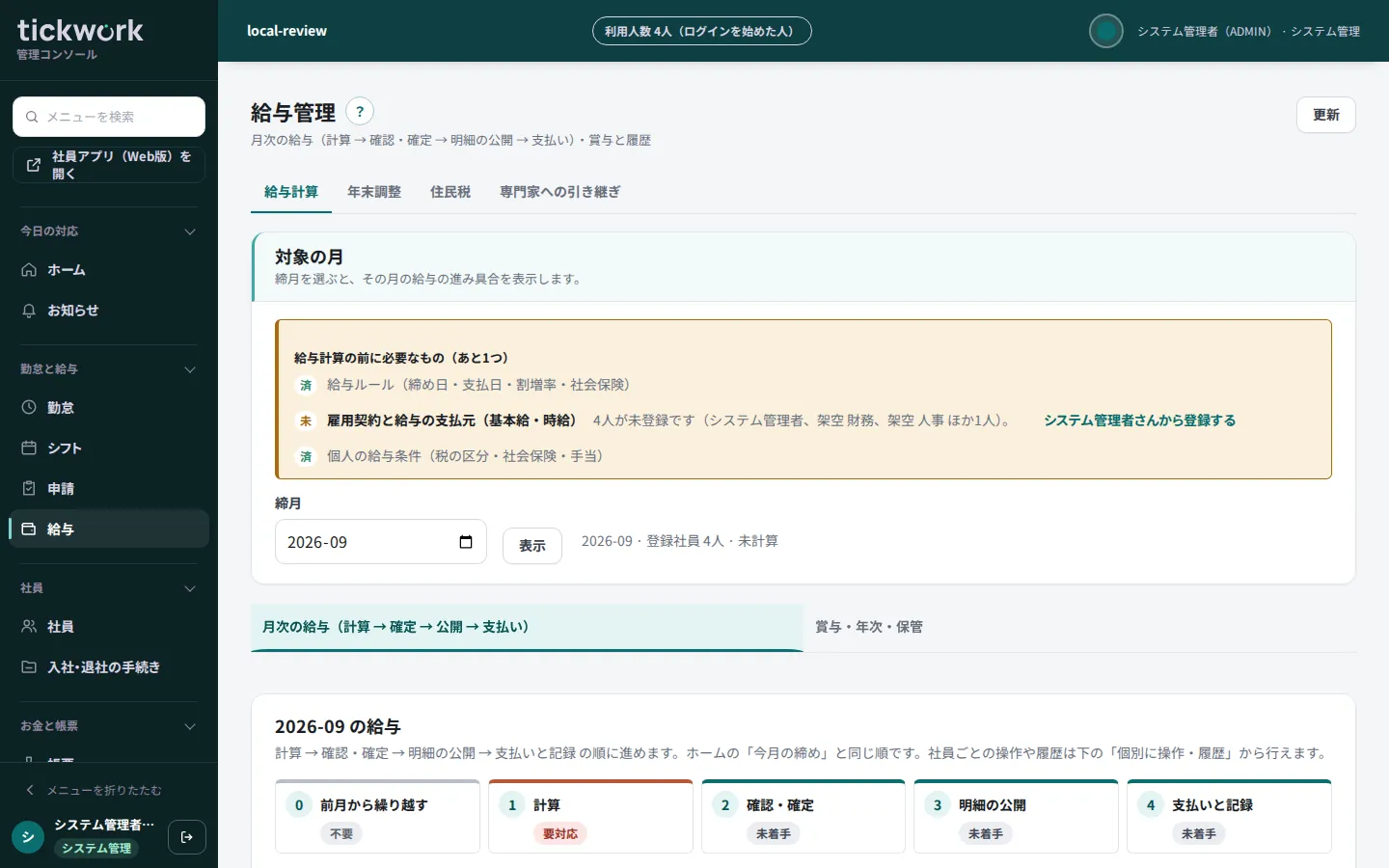 Calculate payrollPay and deductions are calculated from attendance data, then finalized after review.Payslips delivered to smartphonesEmployees view their payslips in the app. No paper distribution is required.

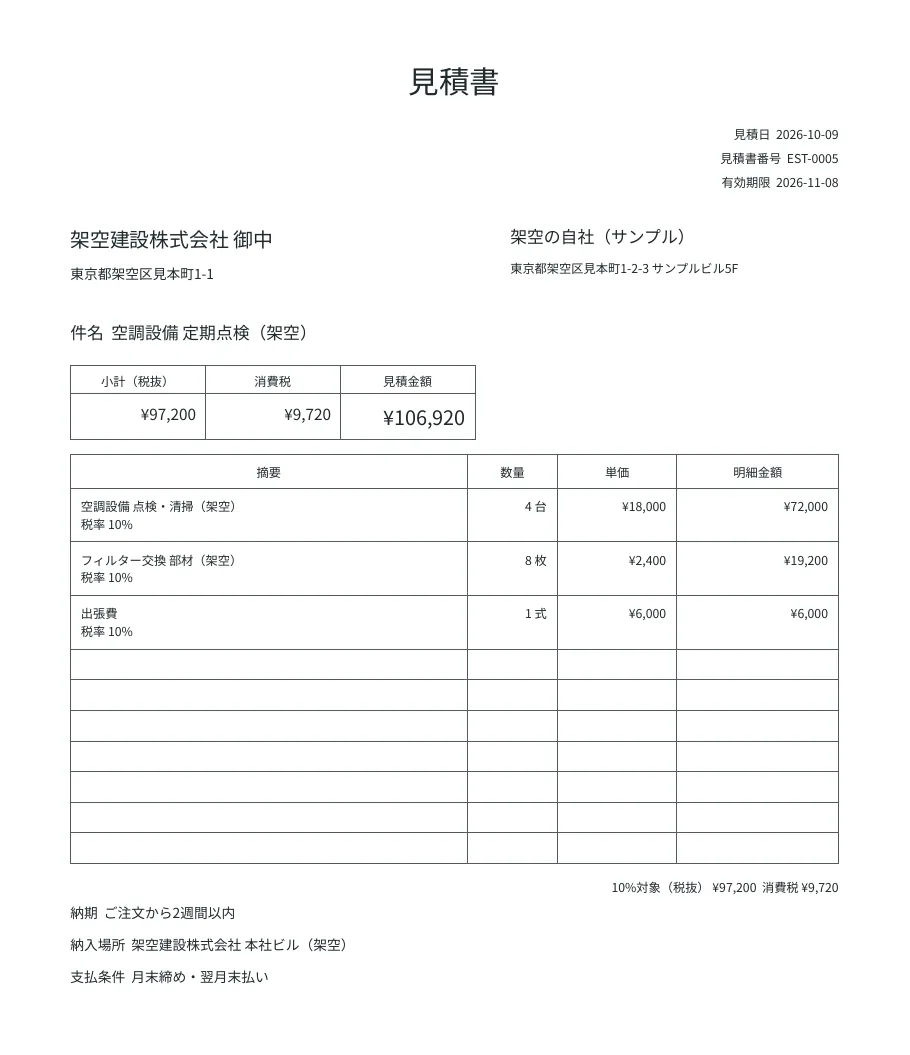 Quotations during the meetingSimply select the customer and items. Output as a PDF with your company seal and logo.Manager approvalA manager approves documents before they are issued, even from a smartphone.
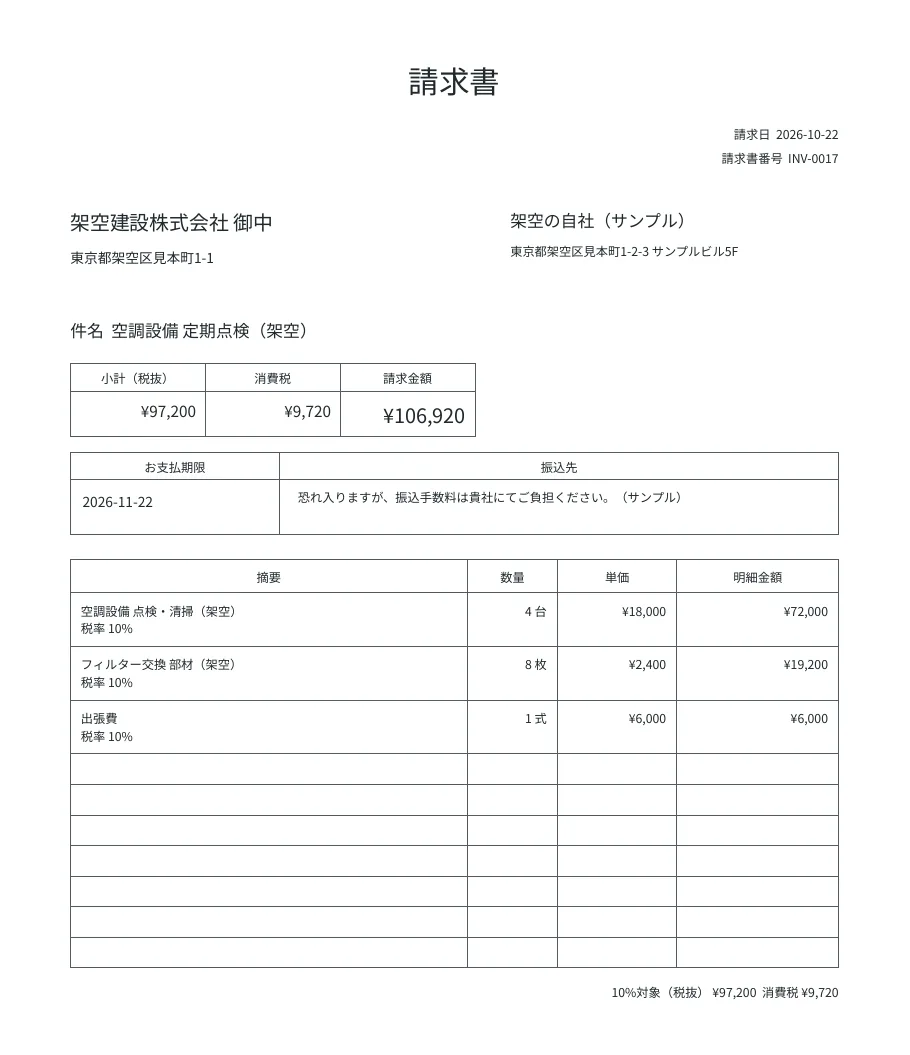 Send invoicesCreate an invoice from the quotation and send the PDF by email.
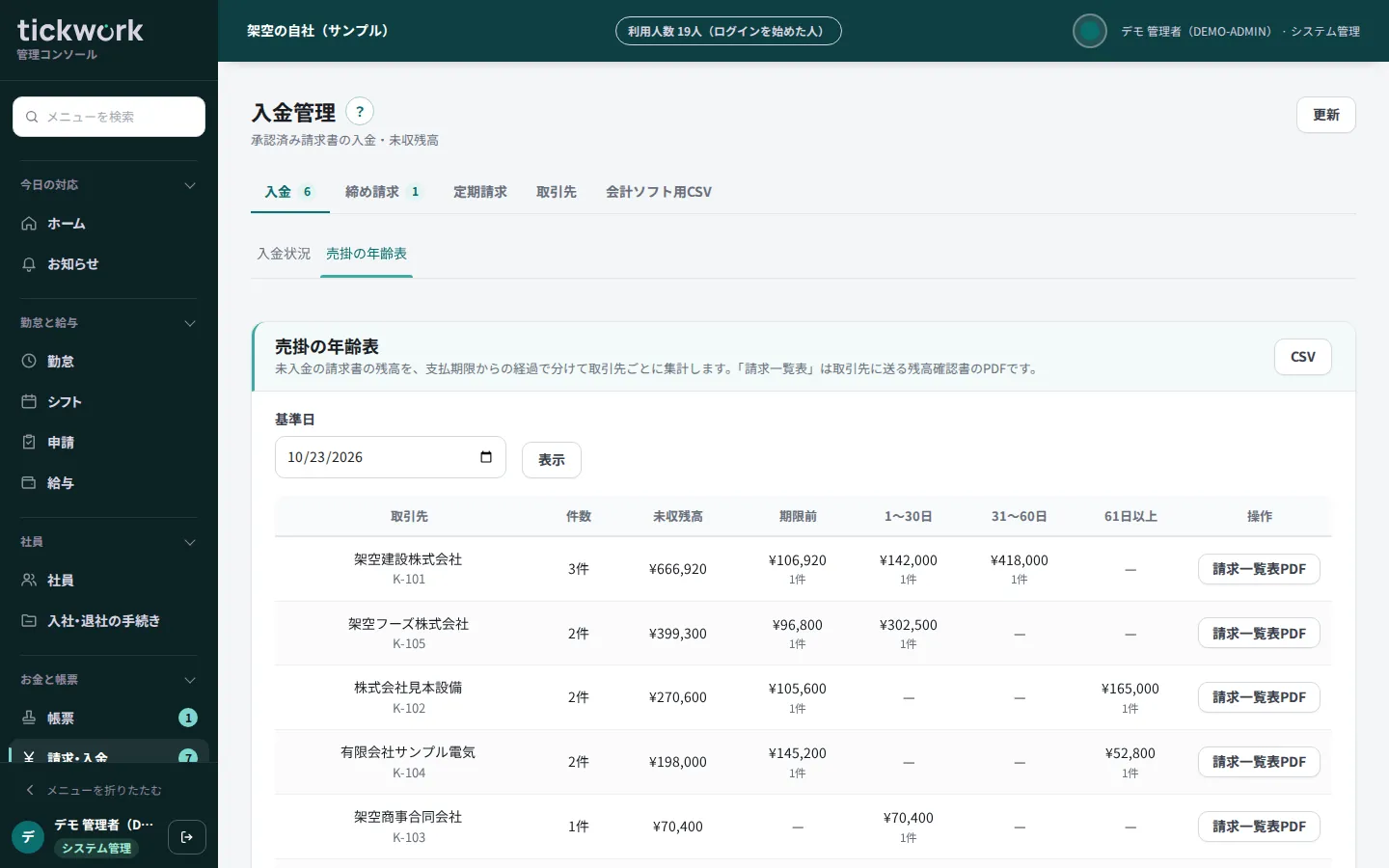 Reconcile paymentsImport bank statements and match payments received against invoices.
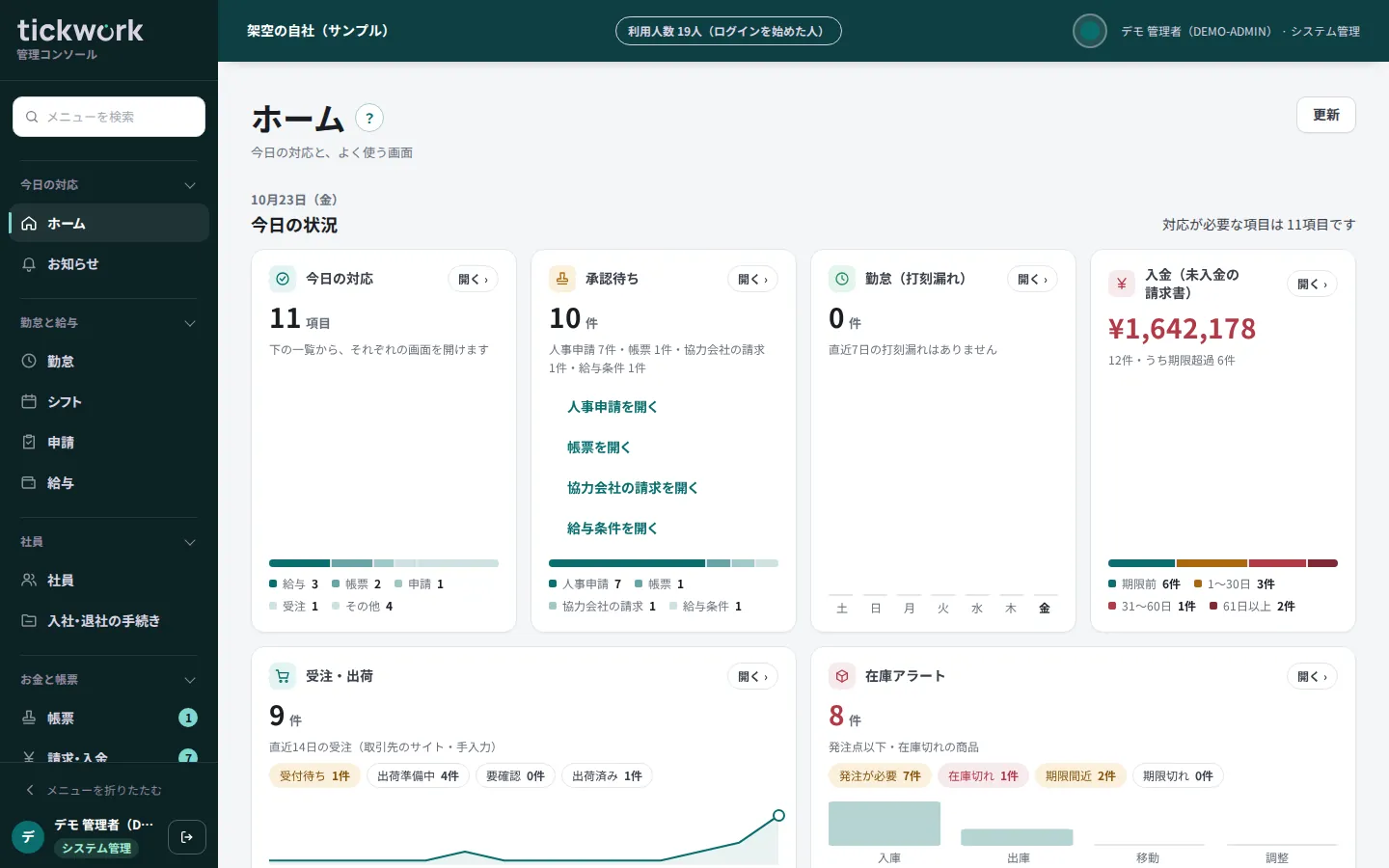 Outstanding amounts at a glanceExecutives can check balances and outstanding receivables by customer at any time.
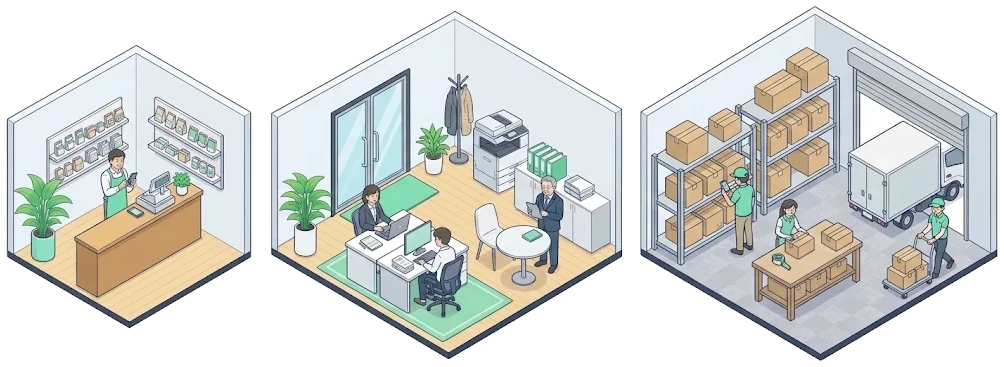
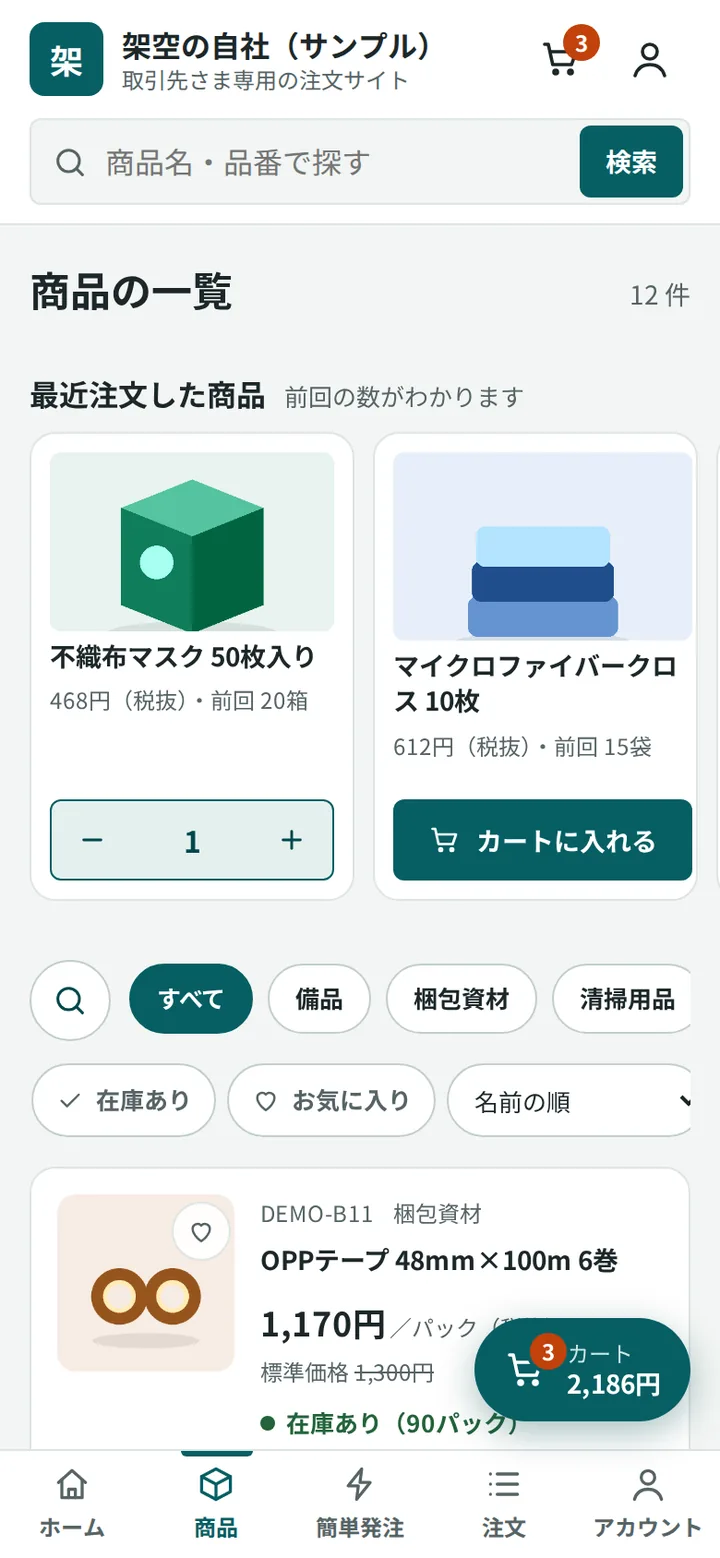 Customers order on a smartphoneCustomers can place orders at any time from their dedicated ordering page.
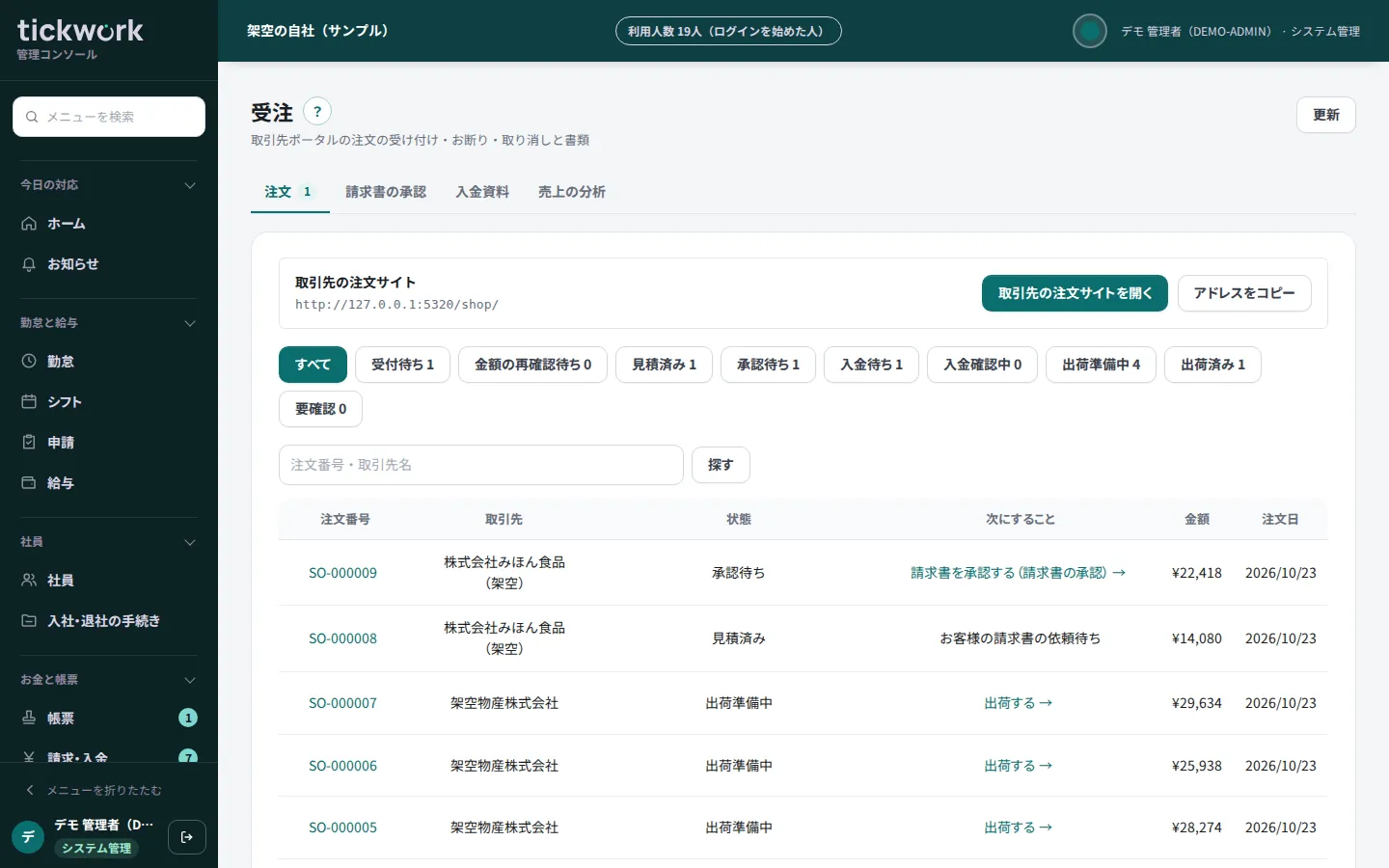 Review sales ordersIncoming orders appear in a list. Issue shipping instructions while checking stock.
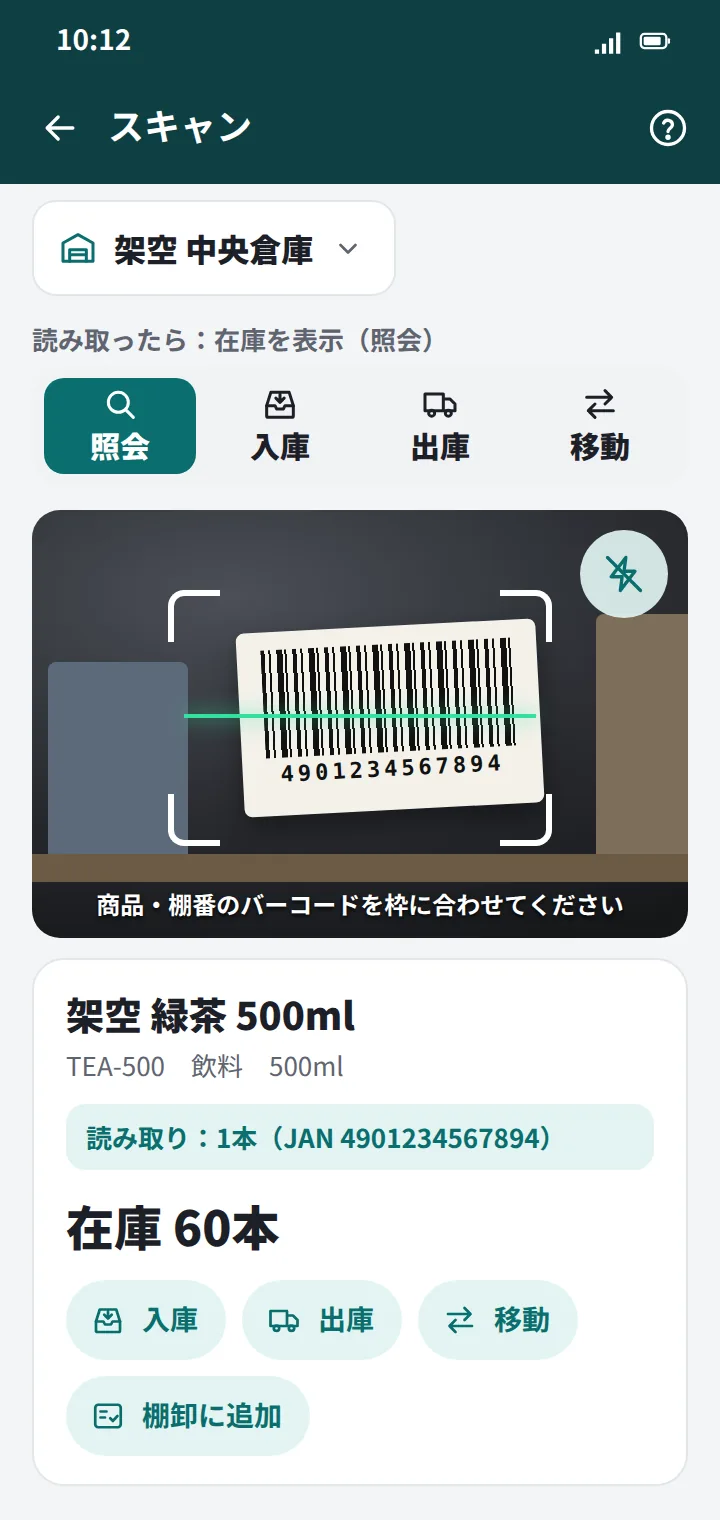 Pick items with a smartphoneScan product barcodes with a smartphone to prevent picking errors.
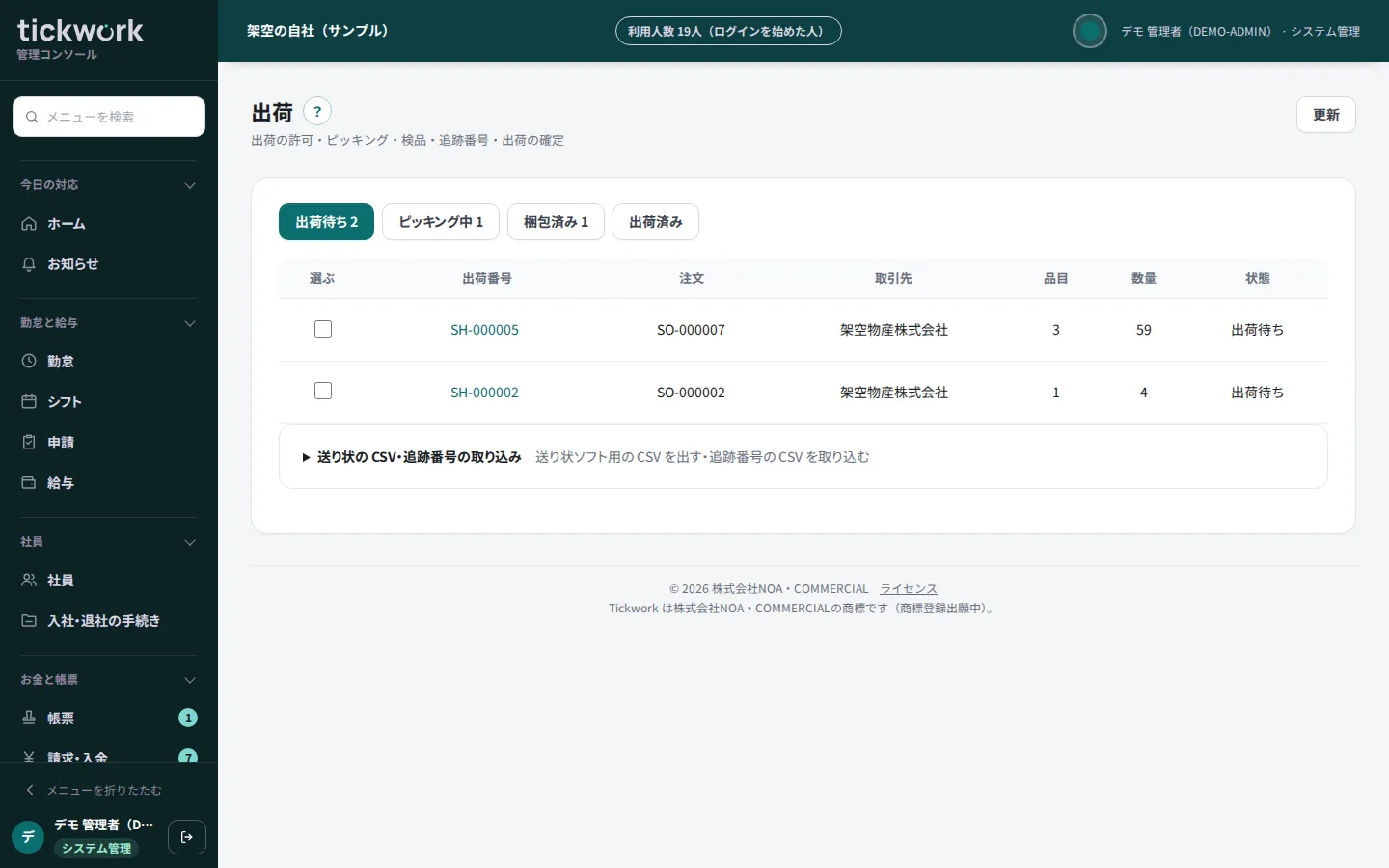 Ship and issue delivery notesShipments update inventory, and delivery notes are issued directly.
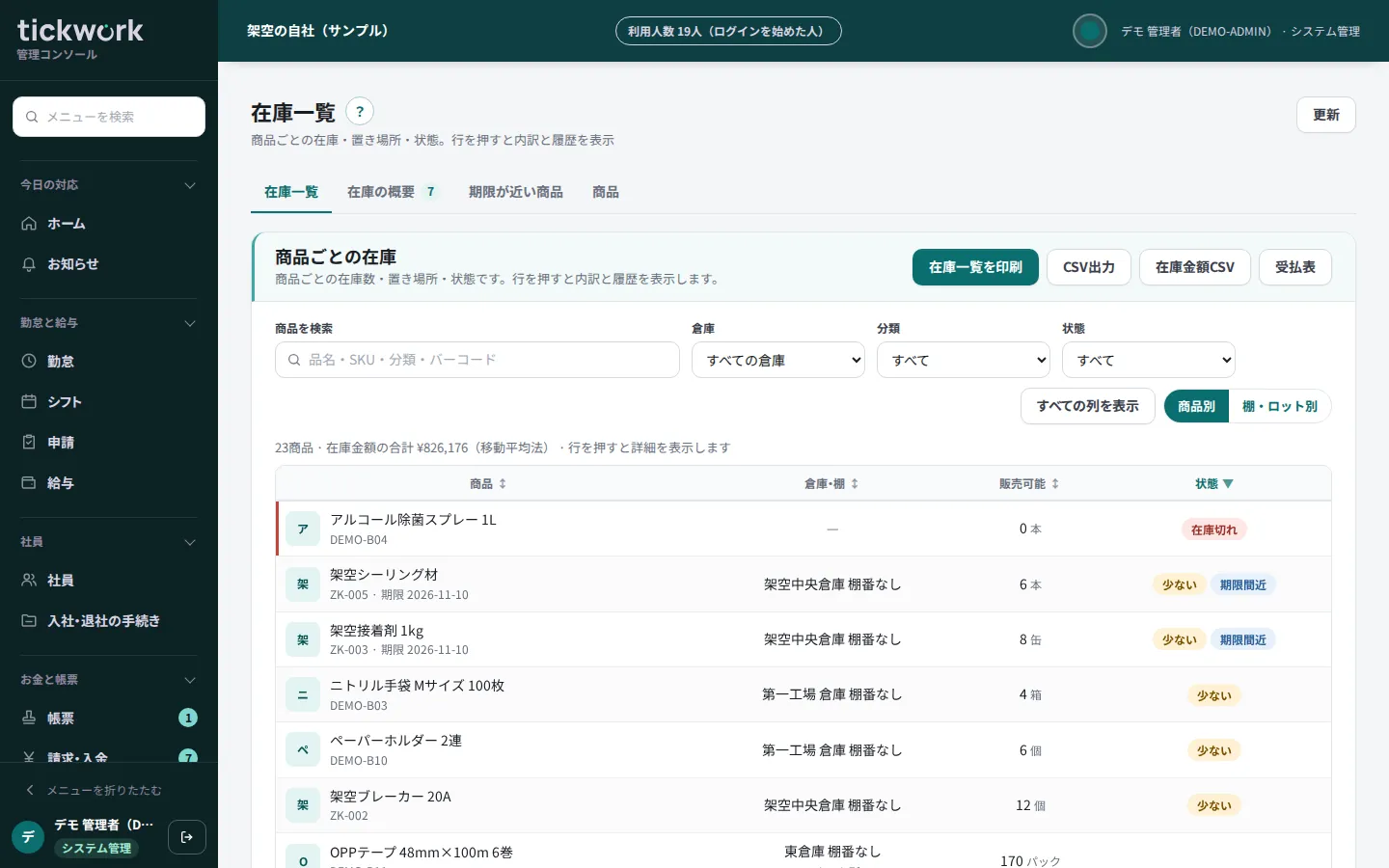 Inventory at a glanceCheck stock by warehouse and see low-stock items immediately.
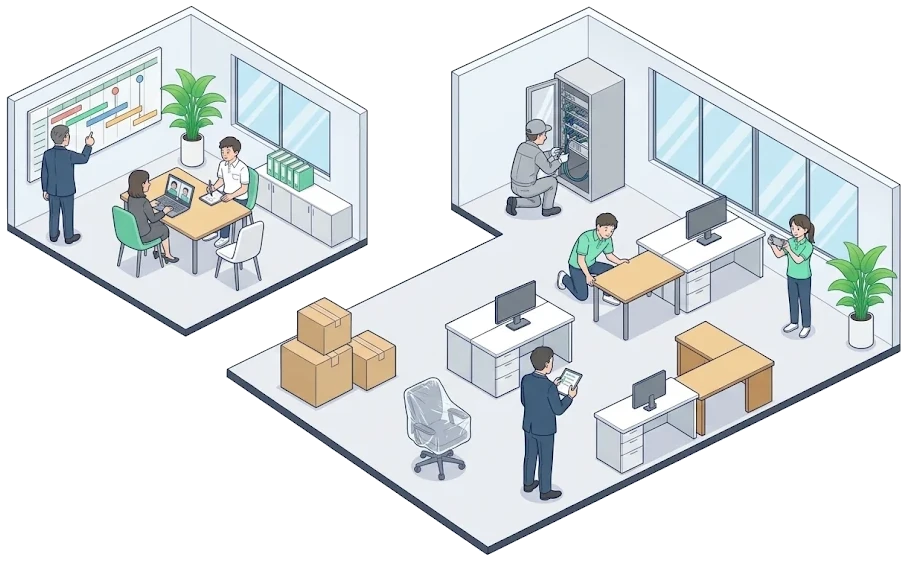
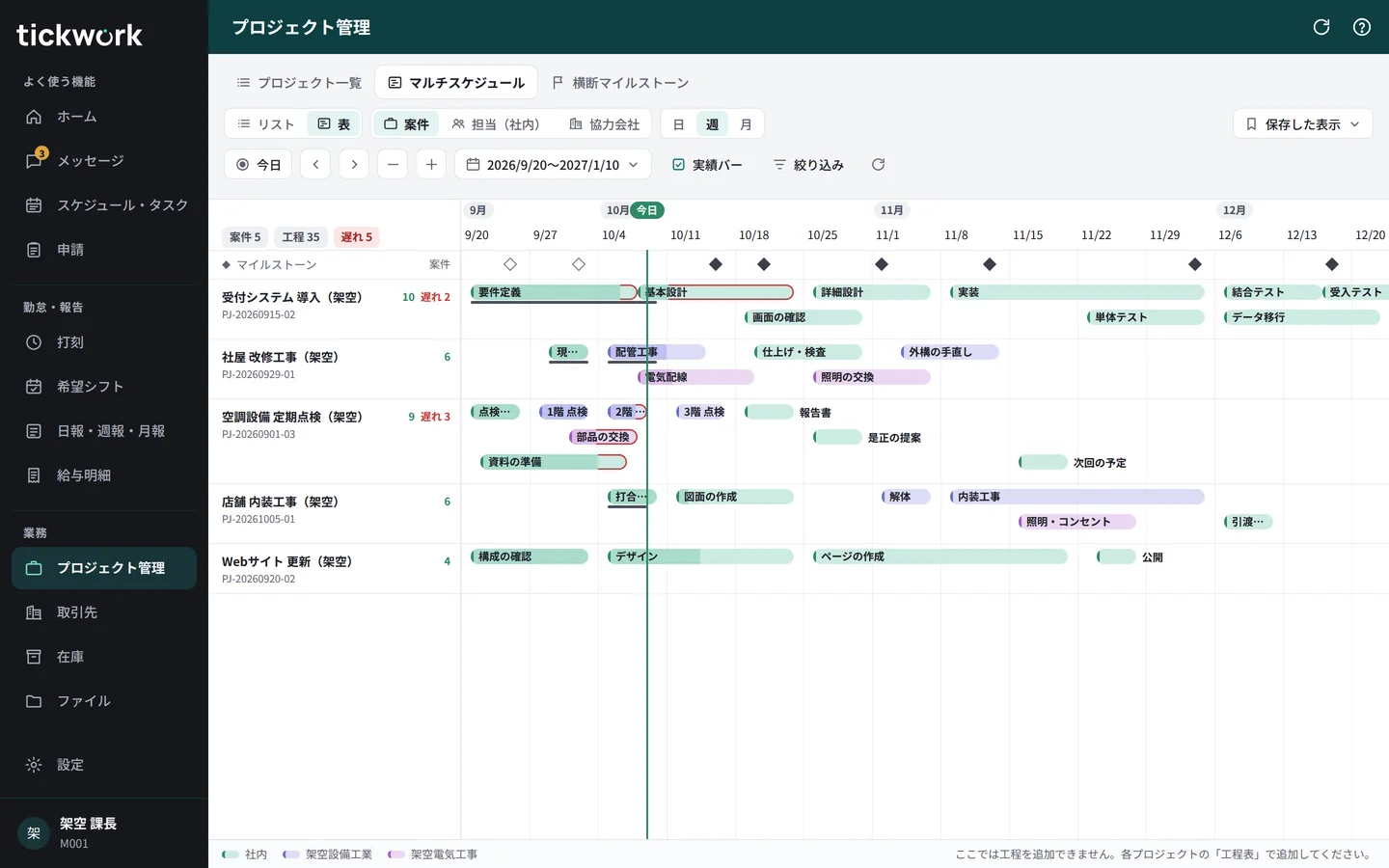 Share the schedulePut tasks, assignees and deadlines on the schedule (Gantt chart). Your staff and partner companies see the same plan.
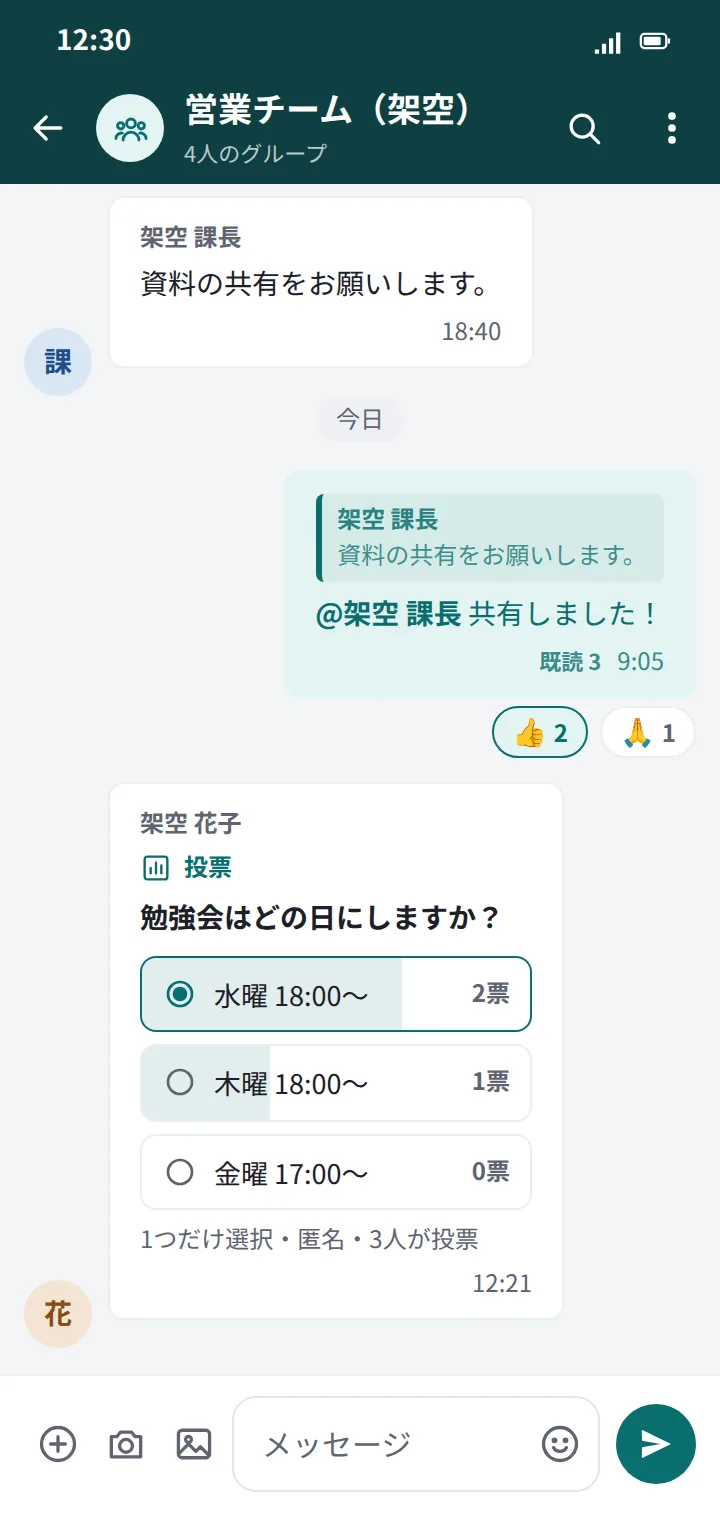 Communicate with partner companiesExchange messages and files by chat with invited partner companies.
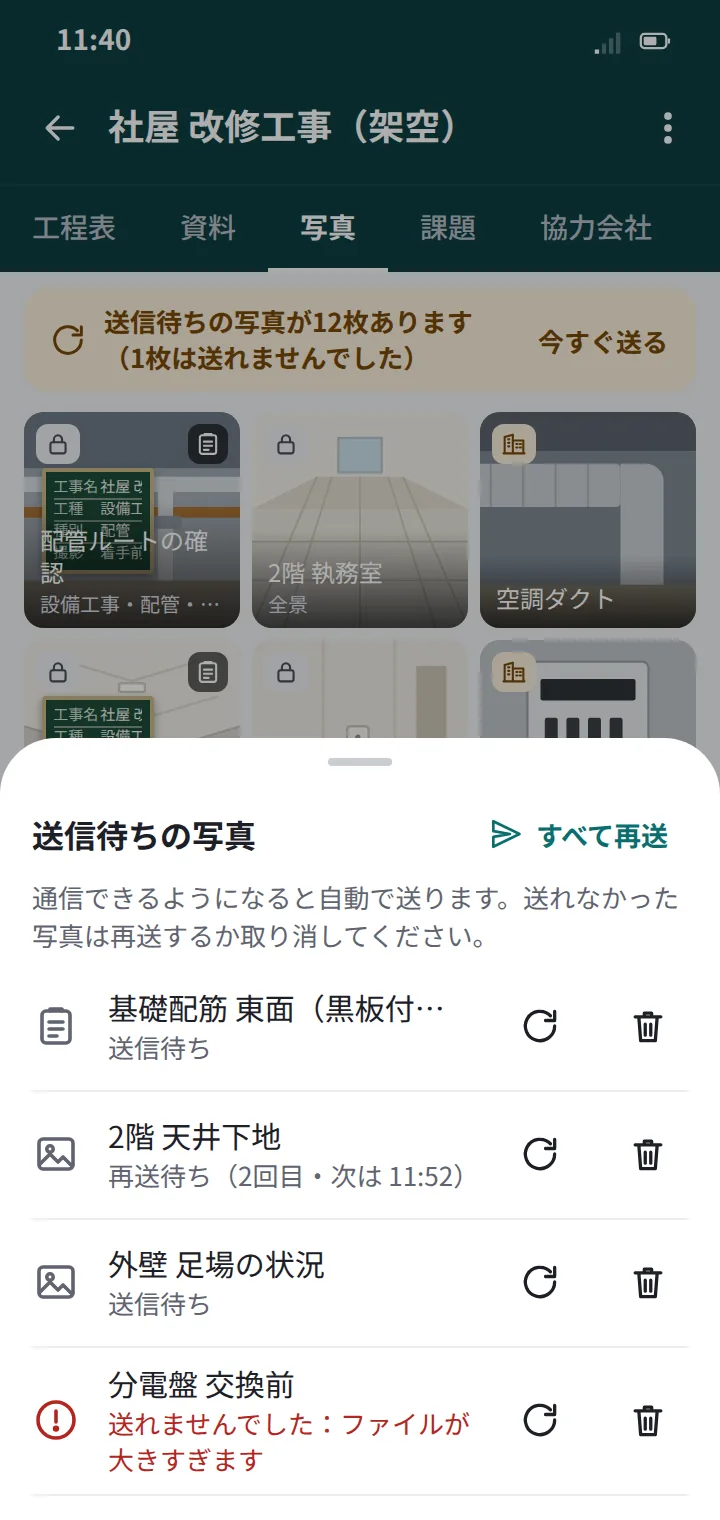 Photos on the spotPhotos taken on a smartphone are automatically collected in the project's Photos section.
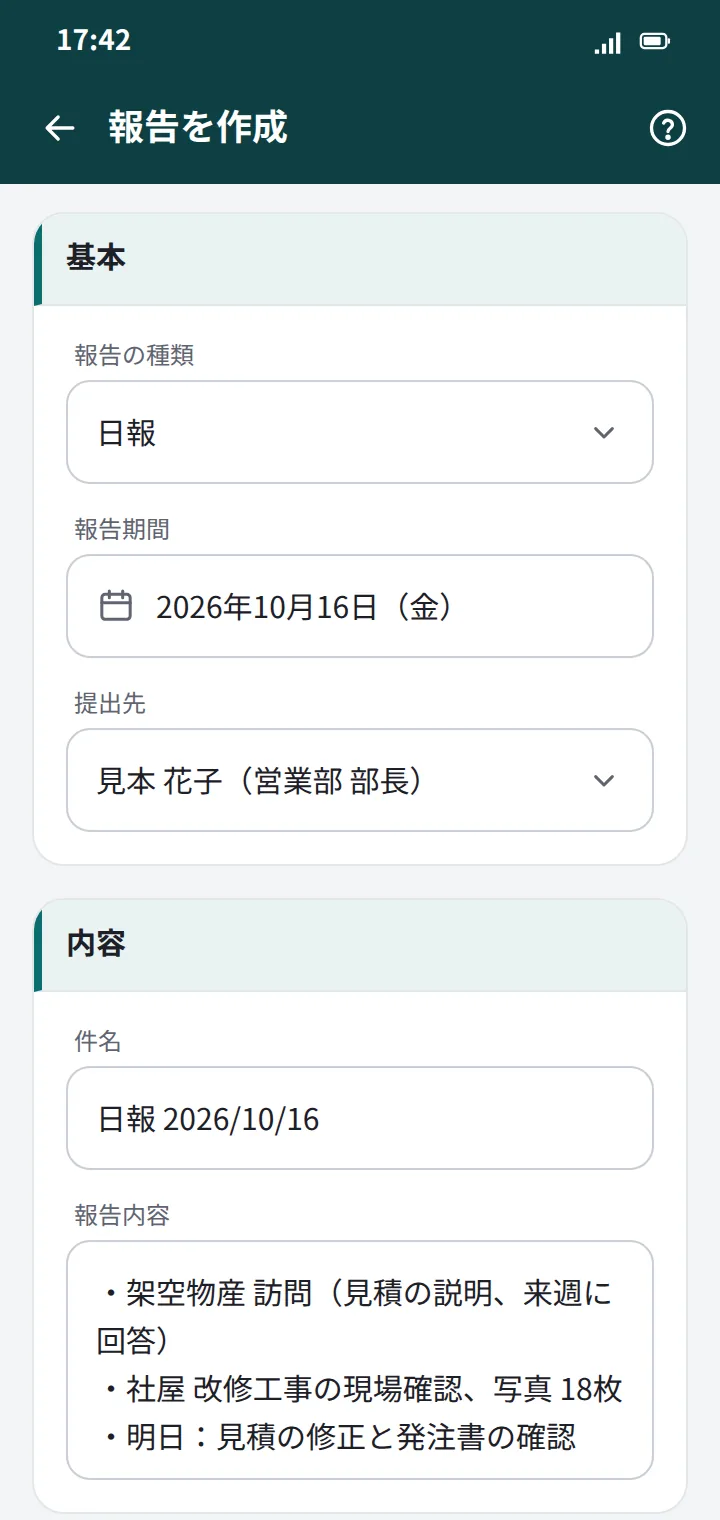 Daily reportsReport the day's work and photos from a smartphone.
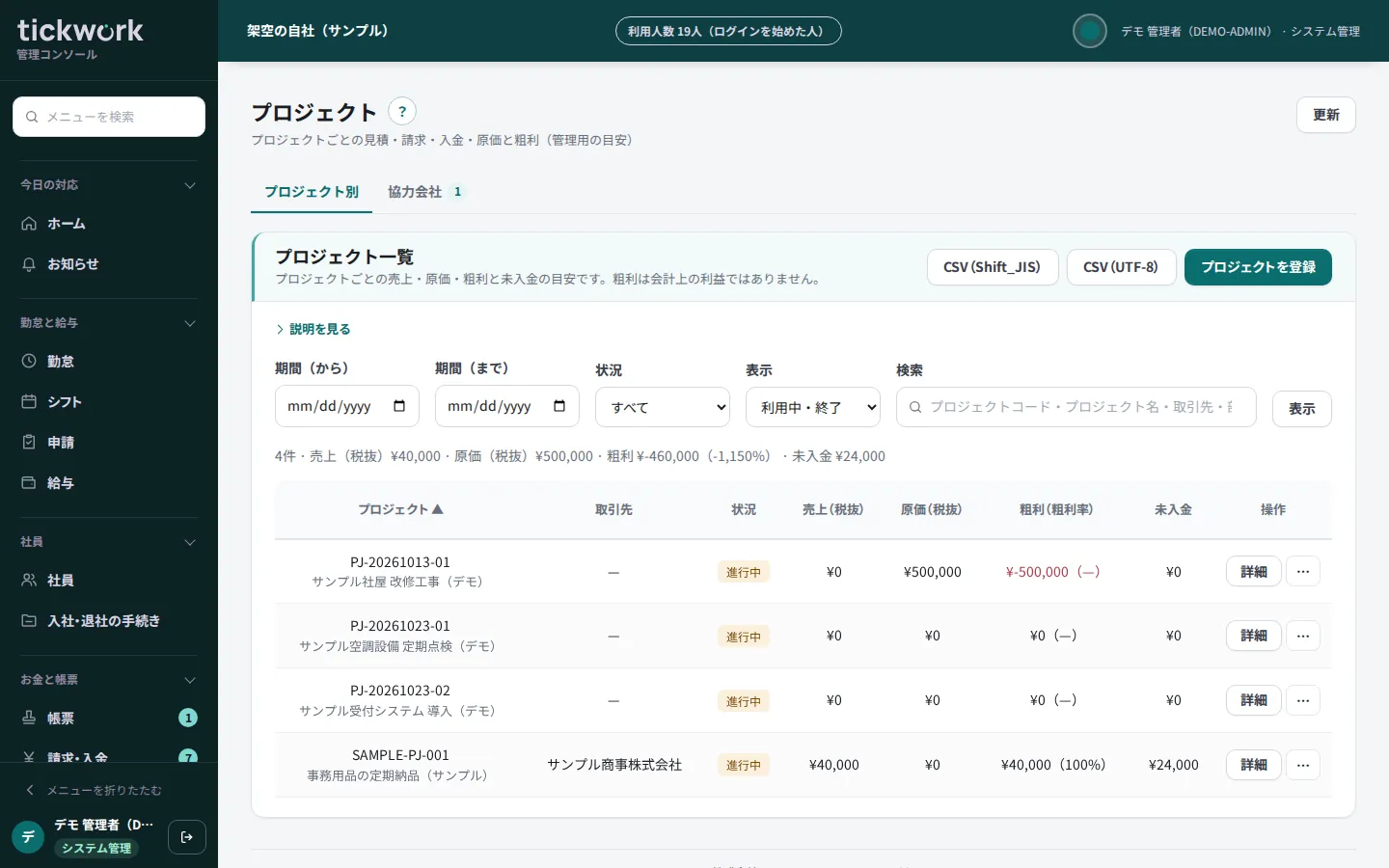 Progress at a glanceReports and the schedule show delayed tasks immediately.
The employee app supports seven languages.
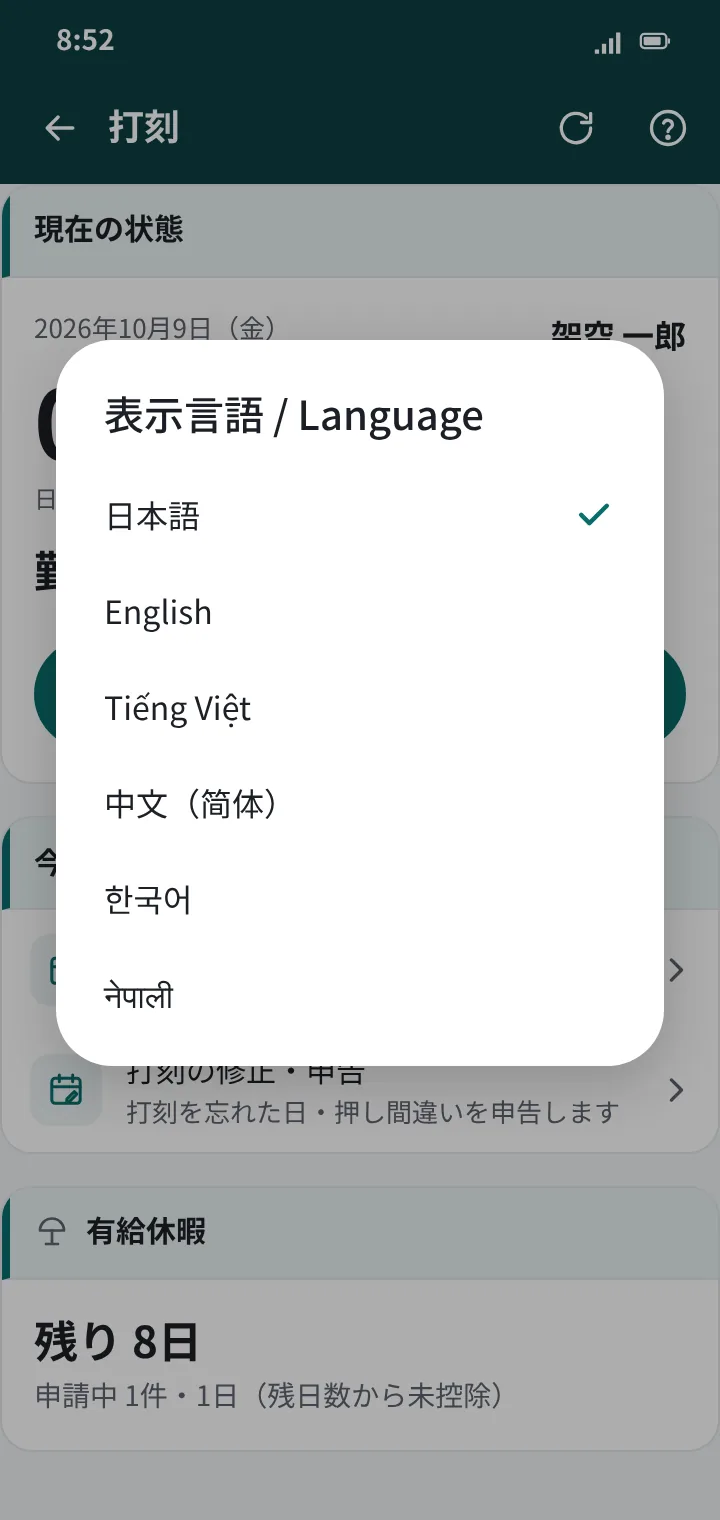
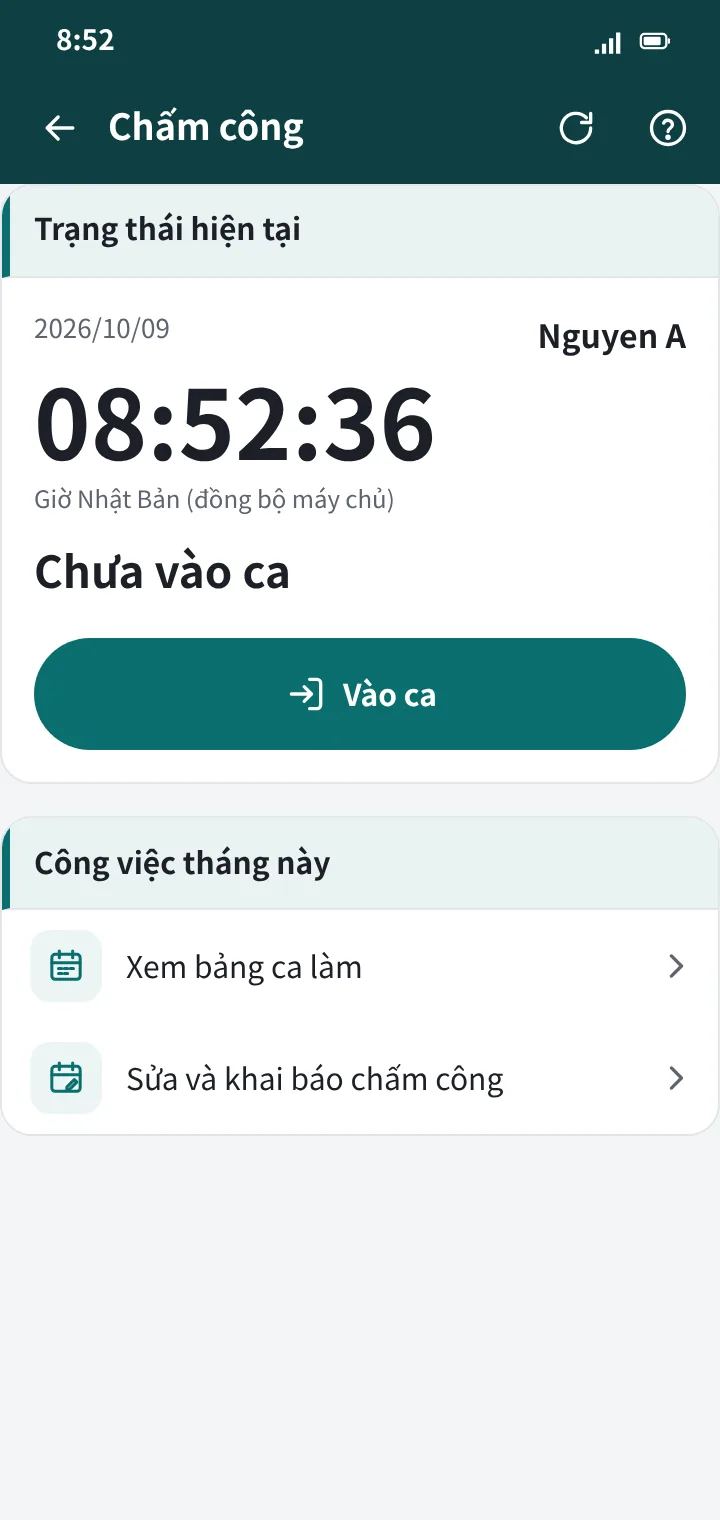
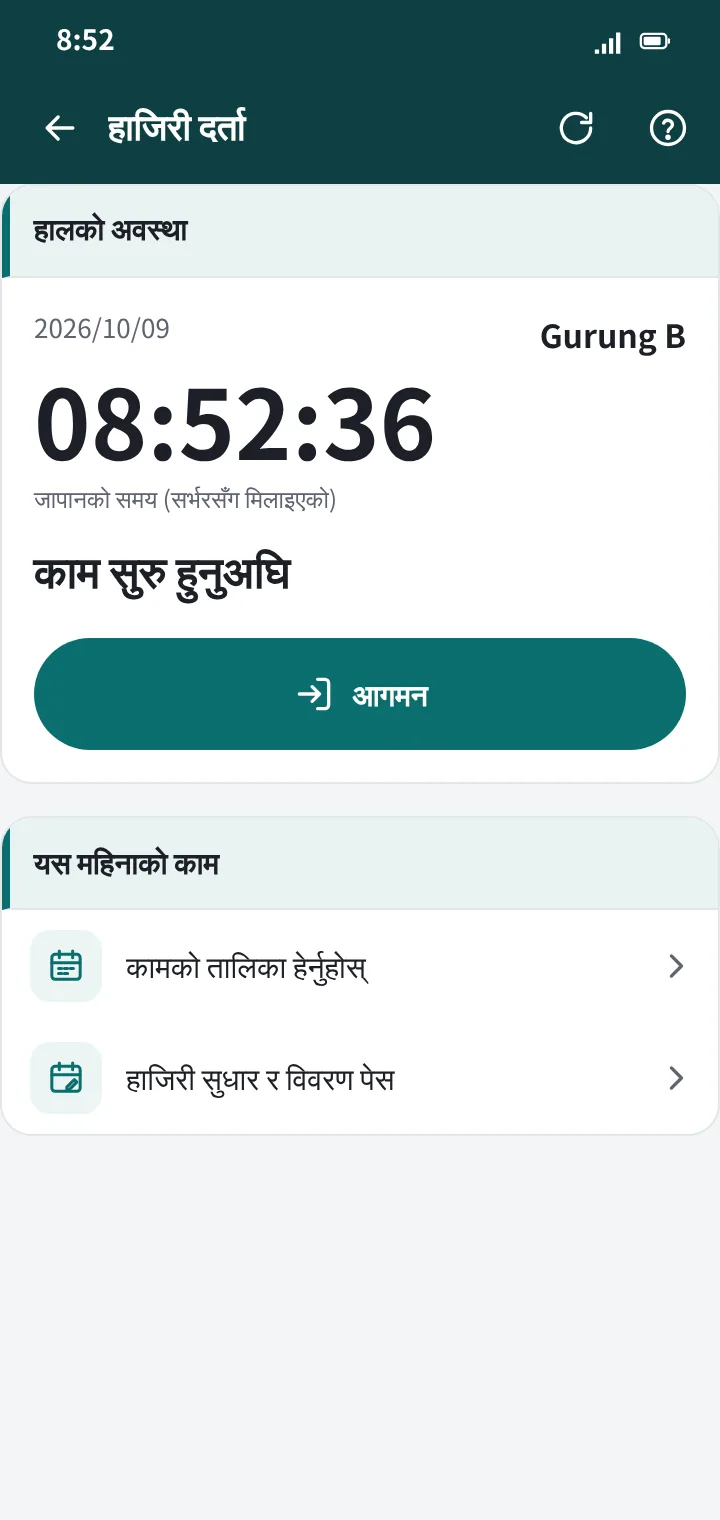
Note: Screens are for illustration. Data is fictional.
AI reads photos and PDFs and fills in the fields.
Reads the date, amount and registration number, and enters them in expense claims and the cash book.
DetailsReads PDF and photo statements, checks each line against the balance and matches payments.
DetailsReads quantities, unit prices and tax rates, and shows differences from the purchase order.
DetailsReads the amounts in financial statements and analyzes them against industry statistics.
DetailsNote: A free monthly allowance is included. Before any paid use, a confirmation appears on screen.
Only five fields, such as company name and contact details.
Your company's dedicated environment is created immediately.
Other settings can wait until later.
| Number of users | Single-module planOne of the four modules | Tickwork All-in-OneAll four modules |
|---|---|---|
| Up to 10 users | ¥6,000/month¥6,600 incl. tax | ¥13,000/month¥14,300 incl. tax |
| 11–30 users | ¥12,000/month¥13,200 incl. tax | ¥27,000/month¥29,700 incl. tax |
| 31–50 users | ¥18,000/month¥19,800 incl. tax | ¥40,000/month¥44,000 incl. tax |
| 51 or more users | Request a quoteWe will provide a quote based on your number of users | |
Data is stored separately for each company
Yes. You can use only the module you need with a Single-module plan.
Yes. Your data stays as it is when you switch to Tickwork All-in-One.
Use the app on smartphones and tablets, and a browser on PCs.
Try your chosen modules free for 30 days (standard). It does not convert to a paid contract automatically.
We will ask about your number of users and the features you need, and advise you on how to proceed with implementation.
If you would like to review materials first, please request materials (we will send a PDF by email).