This page is a translation of the Japanese page. Inquiries and support are handled in Japanese. The admin console is available in Japanese only; the employee app supports 日本語, English, Tiếng Việt, 中文(简体), 中文(繁體), 한국어 and नेपाली.
For construction and renovation companies
Take photos on site and just send them.
Organize photos, schedules and communication with partner companies by project.
Ideal forHome builders, renovation and specialty contractors (5–50 employees)
Note: Screens are for illustration purposes only (the data shown is fictional).
Eliminating effort and oversights in construction and renovation
-
01Now
Schedule changes are communicated to each company by phone and fax
With TickworkPublishing a schedule sends it to the apps of the partner companies concerned.
Schedules and partner companies: detailed description -
02Now
Photos are scattered across employees' smartphones; photo ledgers take half a day
With TickworkOrganizes photos with the electronic photo blackboard by project and outputs photo ledgers as PDF.
Electronic photo blackboard and photo ledgers: detailed description -
03Now
Drawing issues and corrective action reports are scattered across paper and messages
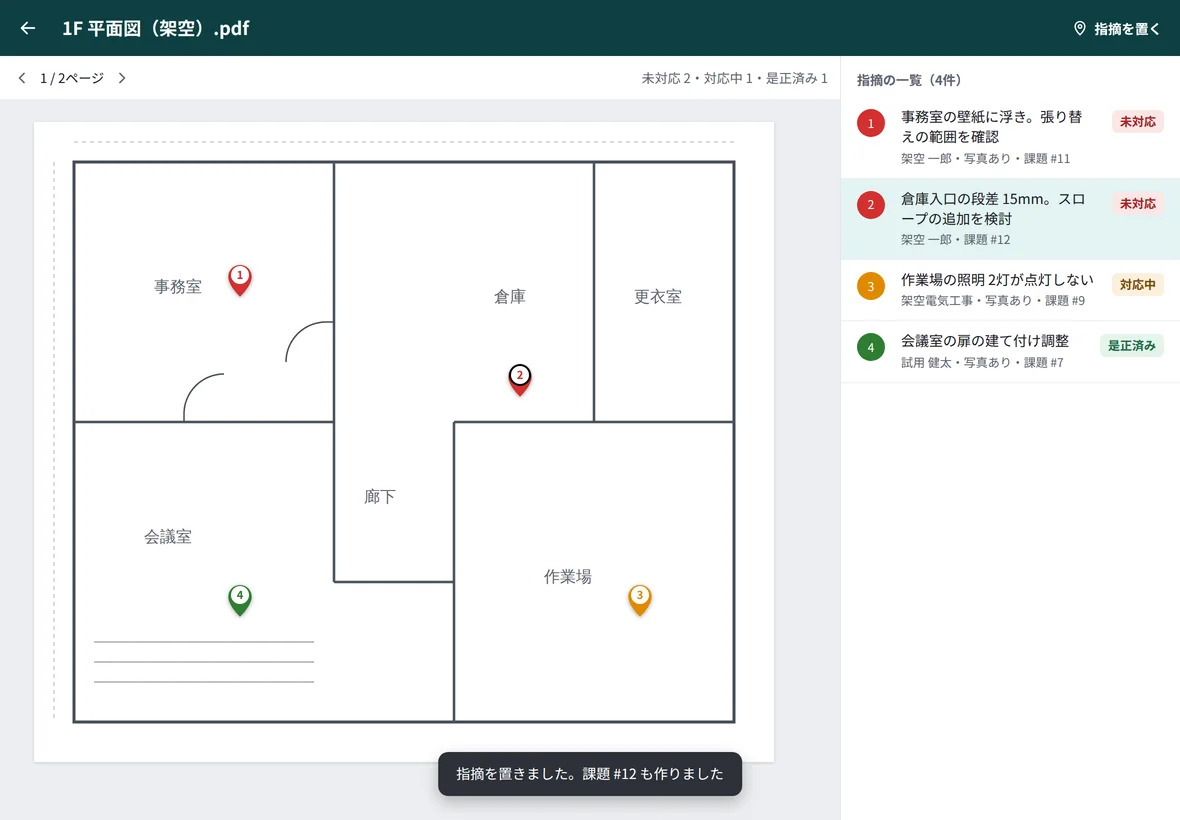
With TickworkPins placed on drawings become issues with assignees and deadlines.
Drawing viewer and issues: detailed description -
04Now
Profit by project is unknown until month-end
With TickworkReview estimated gross profit by project in a list.
From orders to payment: detailed description
A day at a construction and renovation company (example)
-
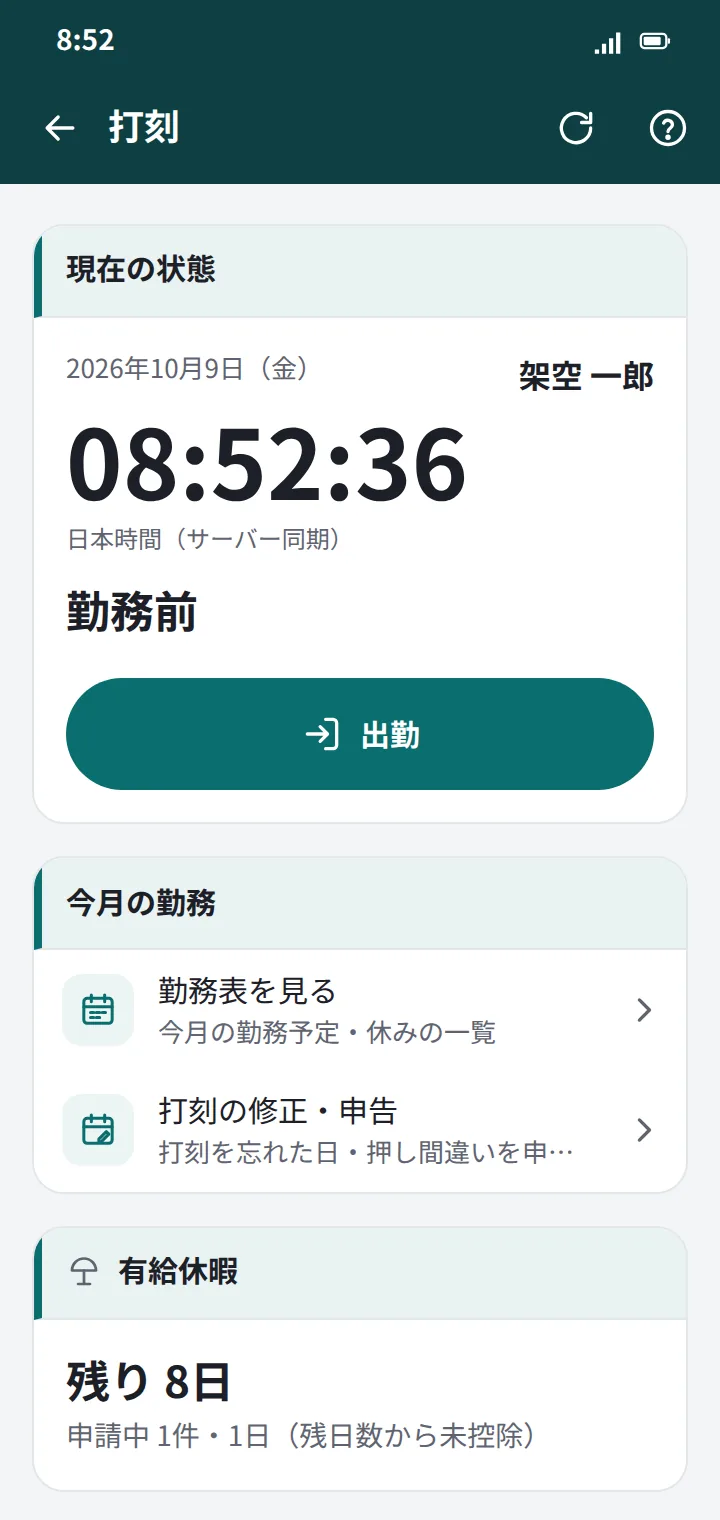
7:30 a.m.Site foreman
Clock in with the app.
-
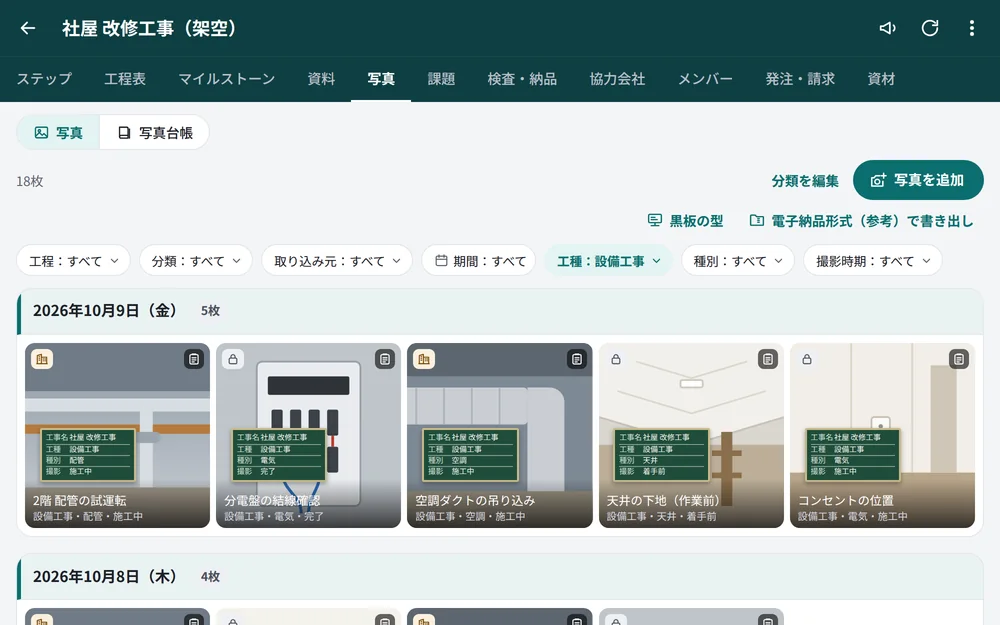
MorningSite staff
Take photos with the blackboard and pin issues on drawings.
-
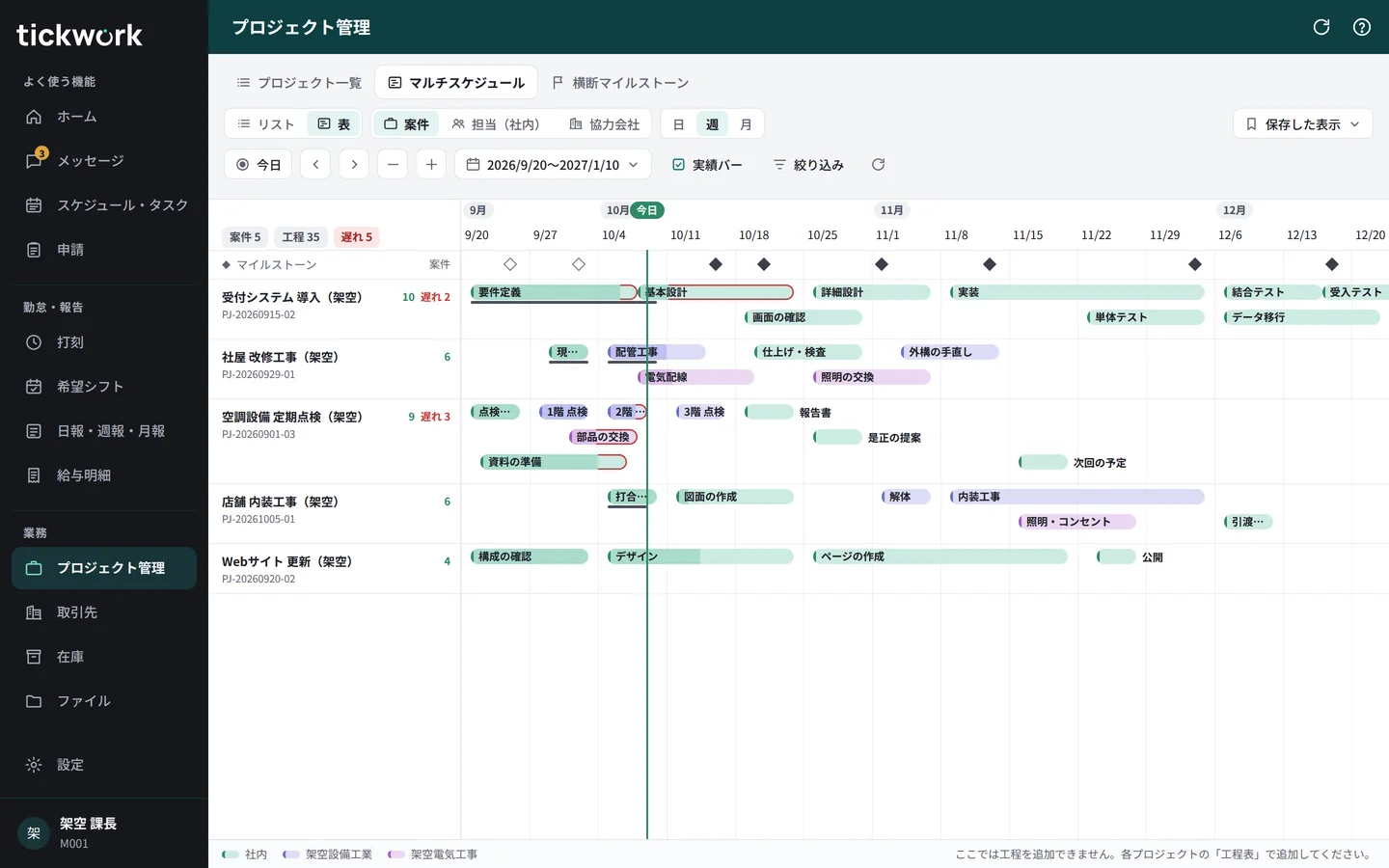
EveningConstruction manager
Review delays across all sites, then adjust and publish schedules.
-
Month-endOffice staff
Approve partner company invoices and check gross profit by project.
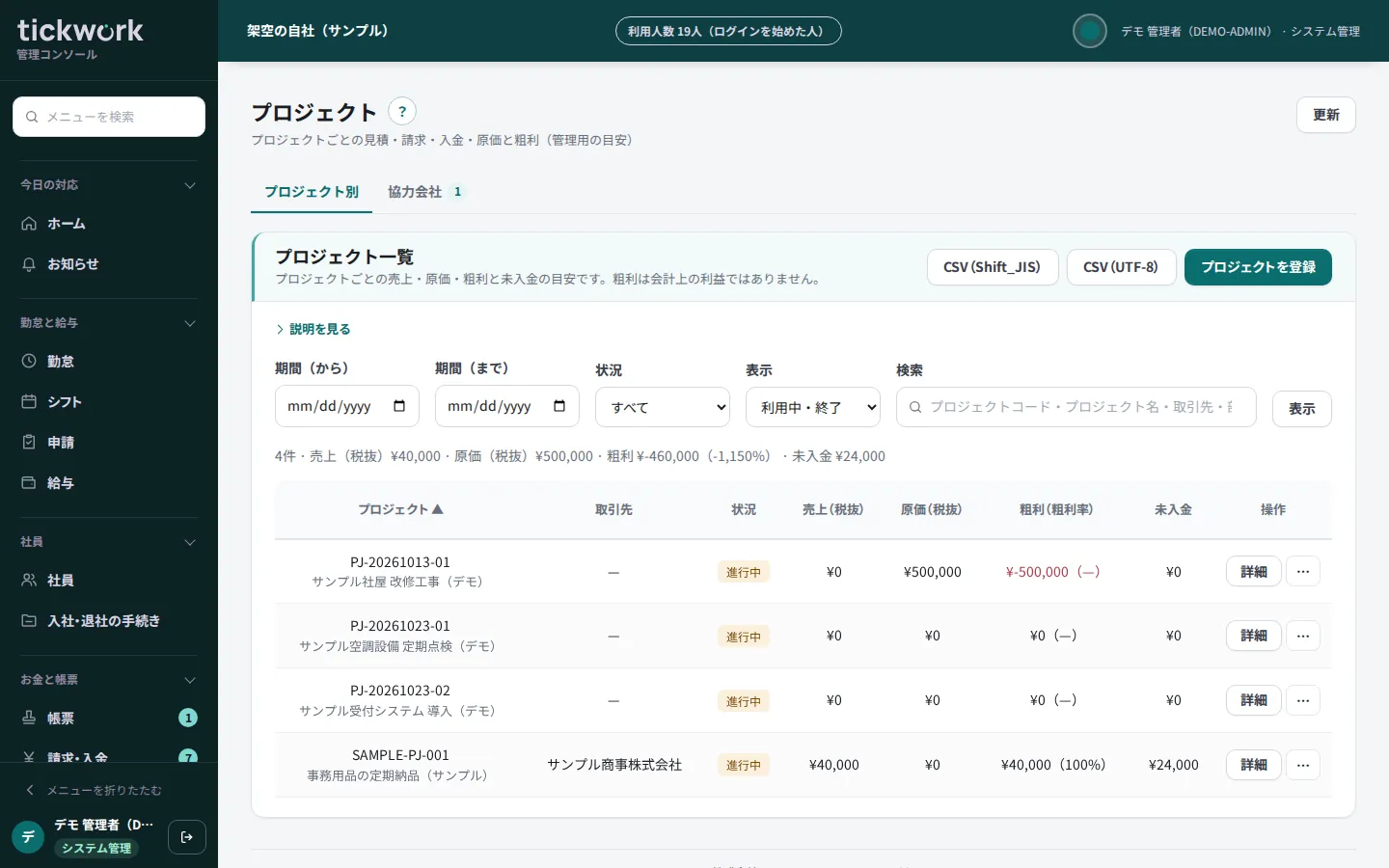
Note: Screens are for illustration purposes only (the data shown is fictional).
Combine common features
For two or more modules,
- Schedules and multi-schedule
- Electronic photo blackboard (for private-sector construction)
- Drawing viewer and photo ledgers
- Inviting partner companies
- Project owner's decisions and corrective action reports
- Heat and rain warnings, and worker rosters
- Quotations, order acceptances and invoices
- Clock-in, attendance and payroll calculation
Industry-specific initial settings Choosing an industry fills in default values for features, business documents and work rules. About industry-specific initial settings
Pricing guide
Example: 15 employees plus 10 partner company members using the app, for a total of 25 users
Billable users are the total of registered employees (regardless of employment type, including those not yet logged in) and invited partner company members. Billable users
Frequently asked questions
Are there any costs for partner companies?
Partner companies are not charged. Invited partner company members are counted as billable users of your company (members awaiting approval are not counted).
Can it be used for public works photos?
The electronic photo blackboard is for private-sector construction. Public works (work requiring J-COMSIA certification) are not supported.
Can craftspeople who are not used to smartphones use it?
Clock-in is just a press of a large button. Staff without smartphones can clock in on a shared tablet with a clock-in card and PIN.
Note: The electronic photo blackboard is for private-sector construction. Photos with a blackboard can be taken in the iPhone, iPad and Android apps. Please also see the usage example for a construction and renovation company (fictional company).
Please feel free to
We will ask about your number of users and the features you need, and advise you on how to proceed with implementation.
- Free 30-day trial
- No card required
If you would like to review materials first, please request materials (we will send a PDF by email).