This page is a translation of the Japanese page. Inquiries and support are handled in Japanese. The admin console is available in Japanese only; the employee app supports 日本語, English, Tiếng Việt, 中文(简体), 中文(繁體), 한국어 and नेपाली.
For professional firms
Client deadlines and invoices at a glance.
Organize deadlines, recurring invoices and payment matching by client.
Ideal forAccounting, labor consulting, consulting, design and similar offices
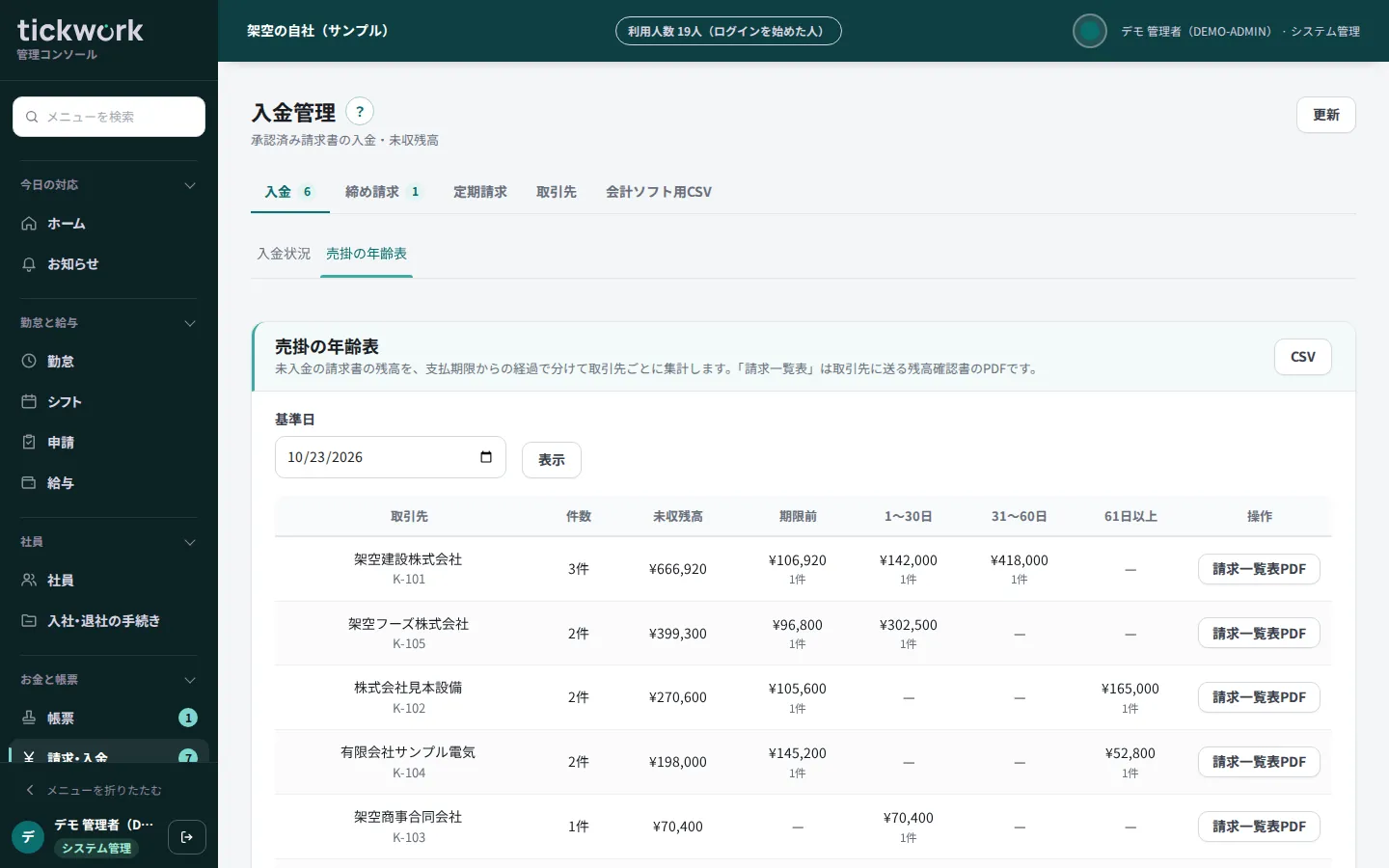
Note: Screens are for illustration purposes only (the data shown is fictional).
Eliminating effort and oversights in professional offices
-
01Now
Staff manage each client's deadlines in their own Excel files
With TickworkLists deadlines for all clients and notifies the person in charge before each deadline.
Templates and multi-schedule: detailed description -
02Now
Preparing retainer fee invoices and confirming payments takes a full day each month
With TickworkDraft with recurring invoices, and match payments by importing statements.
Recurring invoices and payment matching: detailed description -
03Now
Communication with clients exists only in the heads of the staff in charge
With TickworkKeep visit, call and email history in each client's profile.
Customer interaction history: detailed description -
04Now
Attendance of staff working from home is reported by email
With TickworkClock in on smartphones, and submit requests such as for remote work in the app.
Clock-in and requests: detailed description
A day at a professional office (example)
-
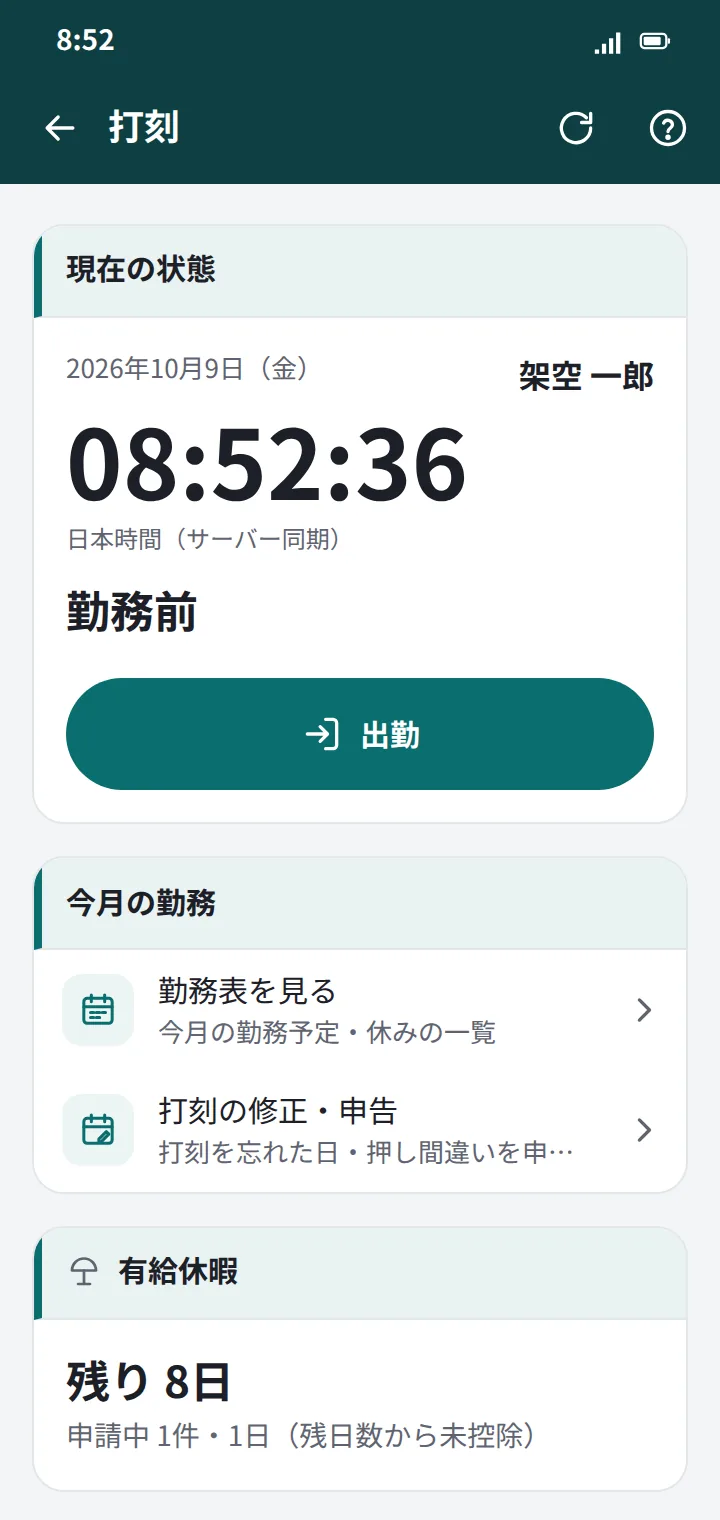
Early morningStaff
Clock in on smartphones even on remote work days.
-
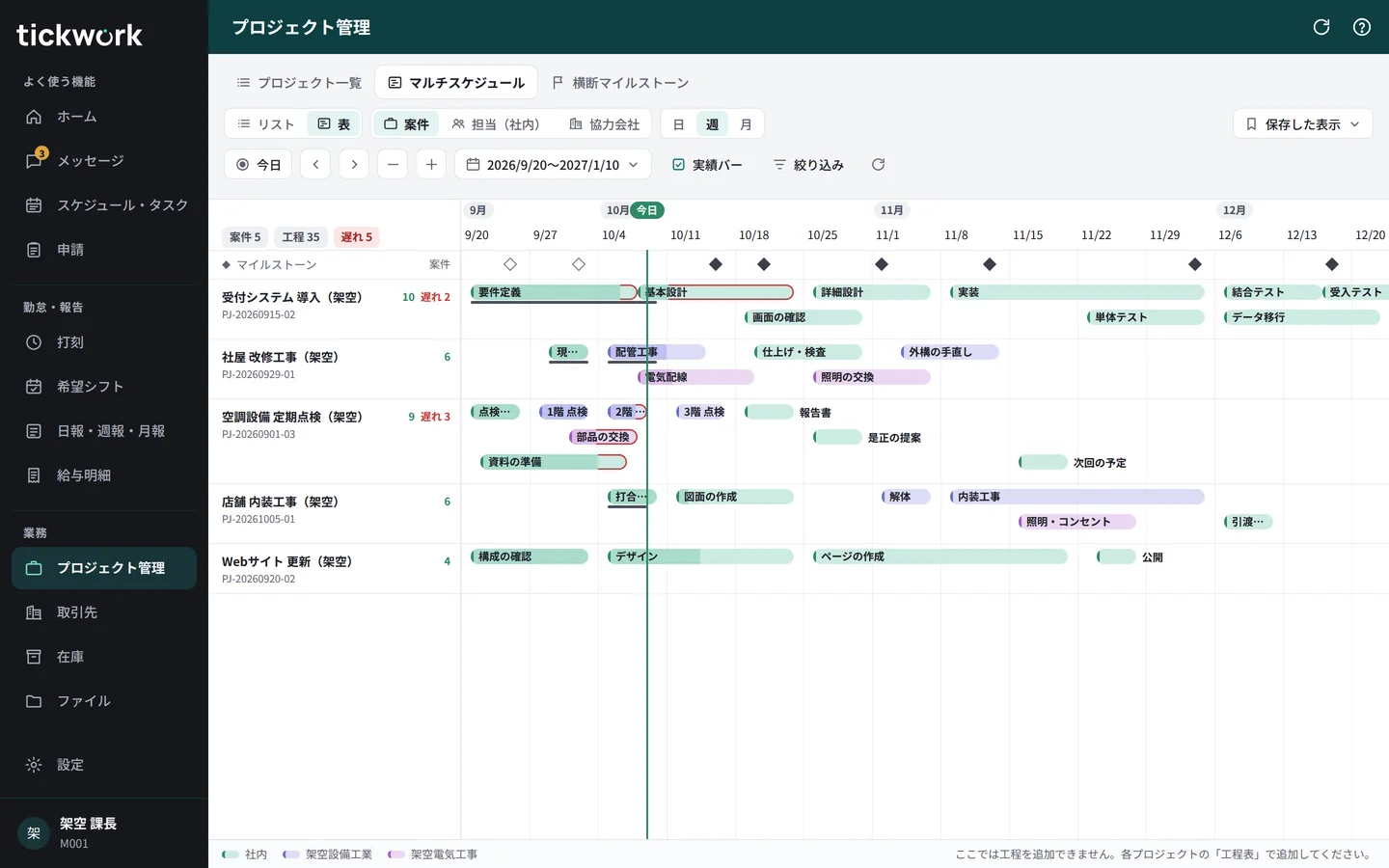
MorningHead of the firm
Review deadlines for all clients and delayed tasks.
-
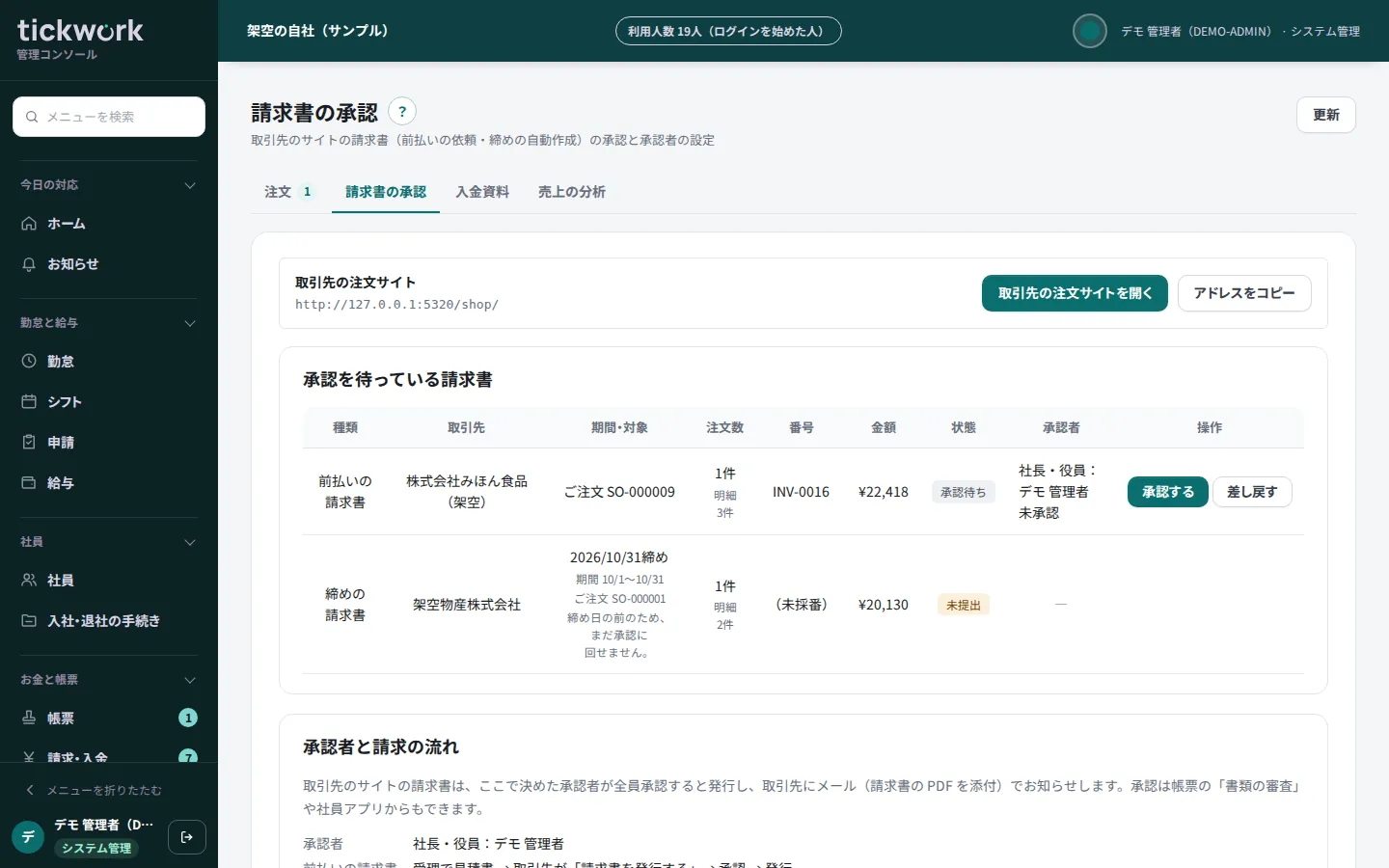
Start of monthOffice staff
Approve draft retainer fee invoices and send them together.
-
Payment dateOffice staff
Import bank statements and match payments.
Note: Screens are for illustration purposes only (the data shown is fictional).
Combine common features
For two or more modules,
- A project for each client and cross-project milestones
- Recurring invoices and sending by email
- Payment matching and accounts receivable aging report
- CSV for accounting software
- Storage of business documents and records
- Interaction history and client profiles
- Chat with external people
- Clock-in, requests and payroll calculation
Industry-specific initial settings Choosing an industry fills in default values for features, business documents and work rules. About industry-specific initial settings
Pricing guide
Example: 8 staff members using the app
Billable users are the total of registered employees (regardless of employment type, including those not yet logged in) and invited partner company members. Billable users
Frequently asked questions
Can it replace accounting software?
It is not accounting software. It creates journal entry CSV files that can be imported into freee Accounting, Money Forward Cloud Accounting and Yayoi Kaikei (弥生会計) from invoices, payments, expense reimbursements and other records.
Do clients also need accounts?
No. External people invited to chat are not counted as billable users (available only if the company enables the feature).
Note: Chat with external people is available only if the company enables it (disabled by default). freee, Money Forward and Yayoi are trademarks or registered trademarks of their respective companies. Please also see the usage example for a professional firm (fictional company).
Please feel free to
We will ask about your number of users and the features you need, and advise you on how to proceed with implementation.
- Free 30-day trial
- No card required
If you would like to review materials first, please request materials (we will send a PDF by email).