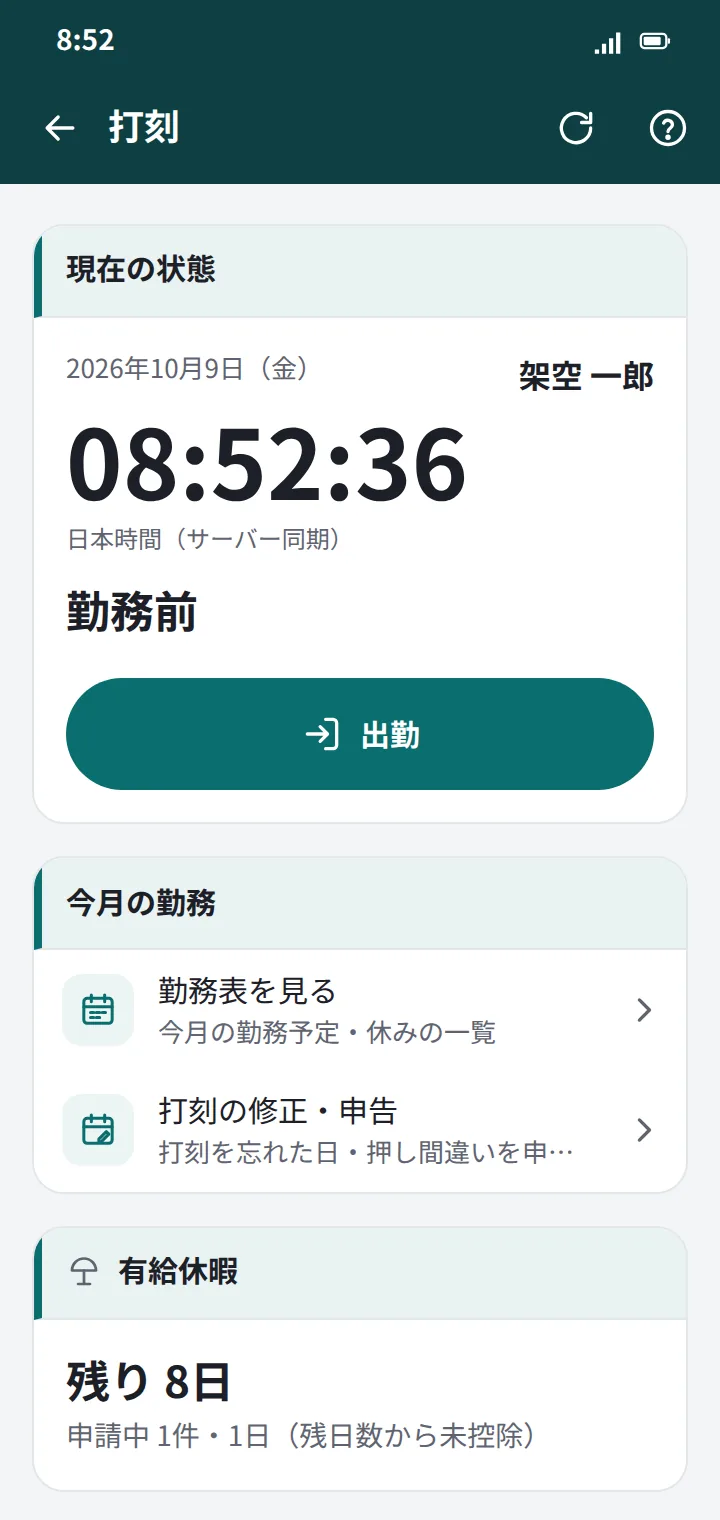
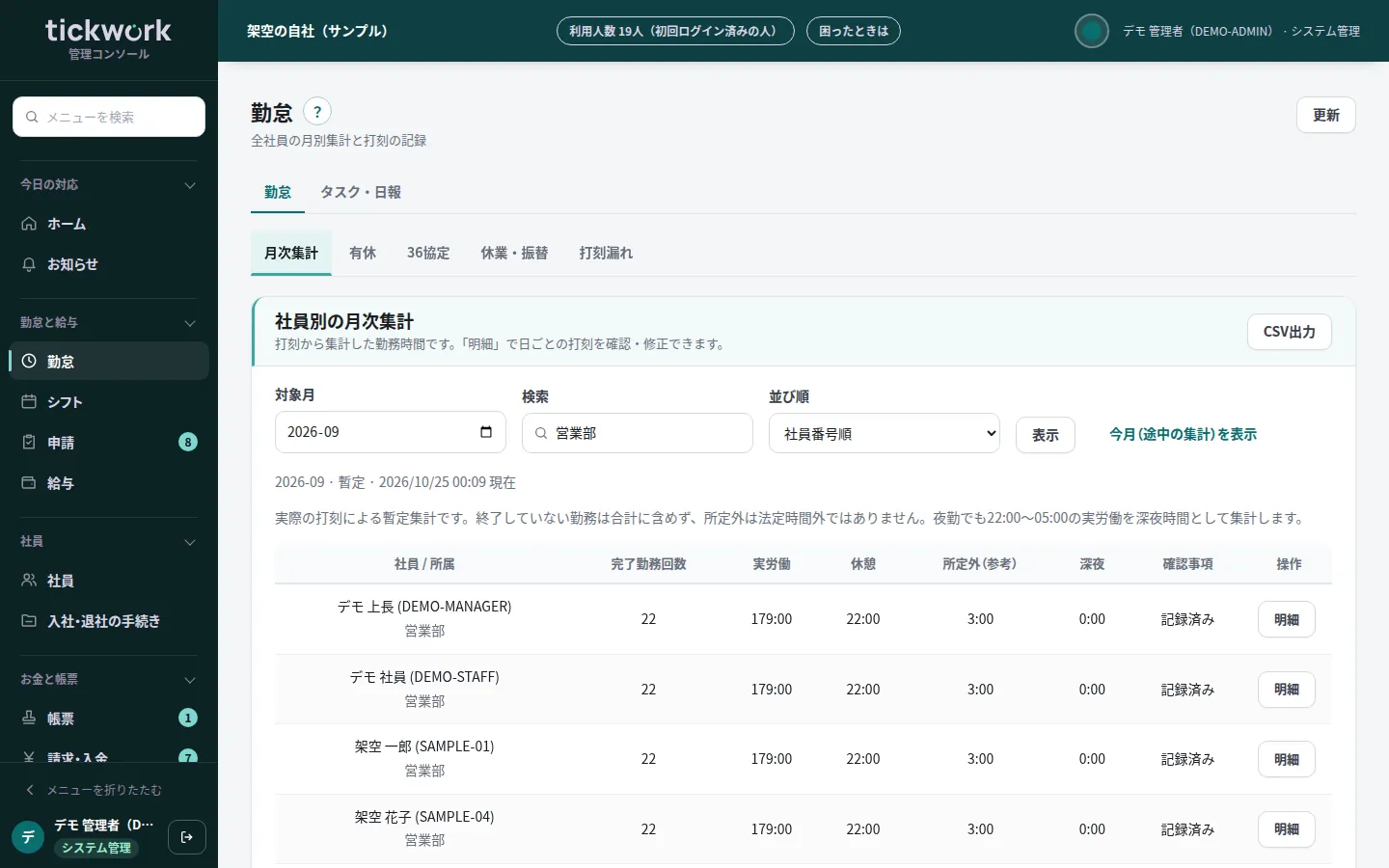
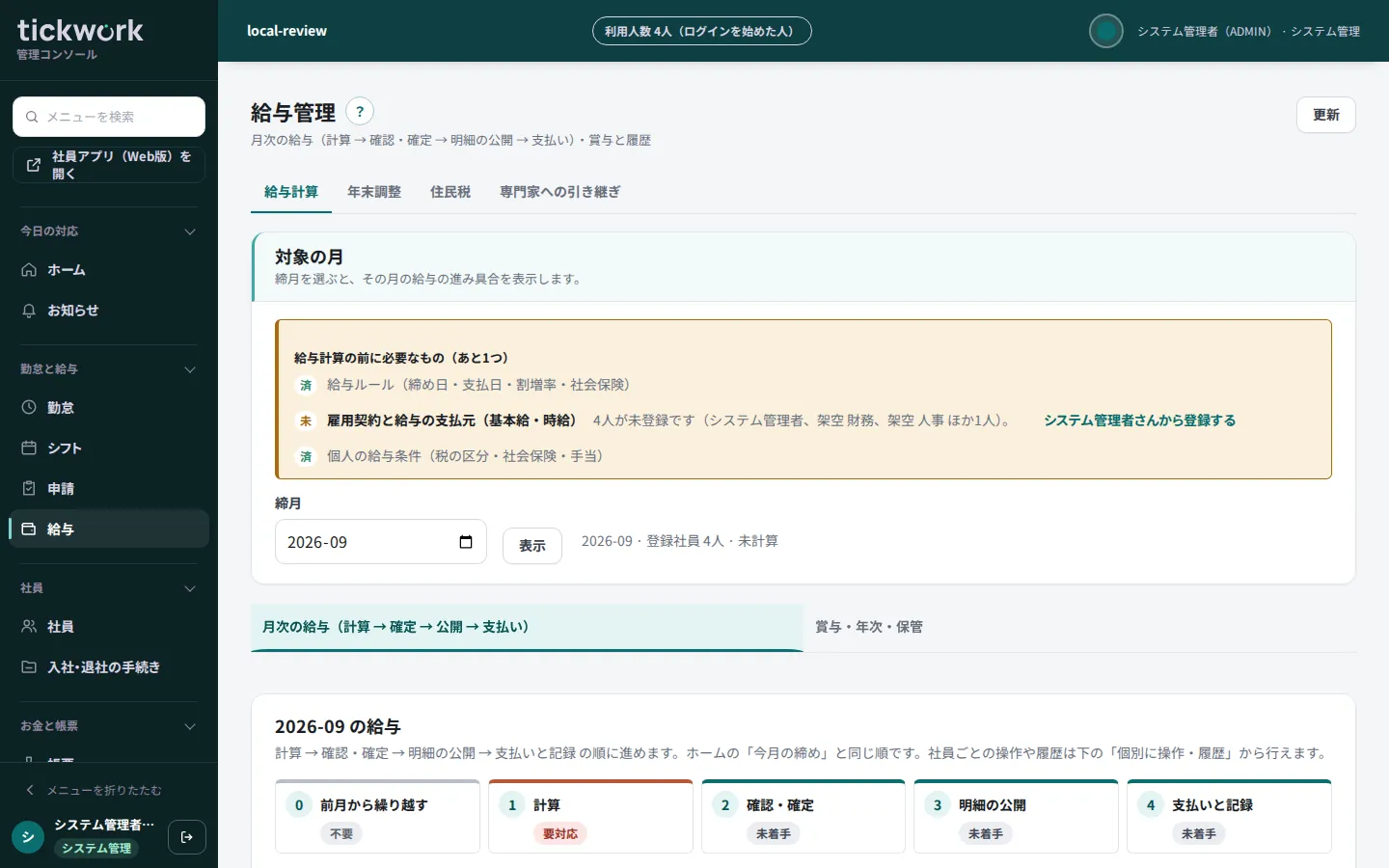
Clock-in methods and records
Choose clock-in methods
Each company chooses whether to record location. The default is "Do not record".
Location data at clock-in
Choose "Time only", "Record location" or "Required". Only one point is recorded, at the moment of clock-in/clock-out.
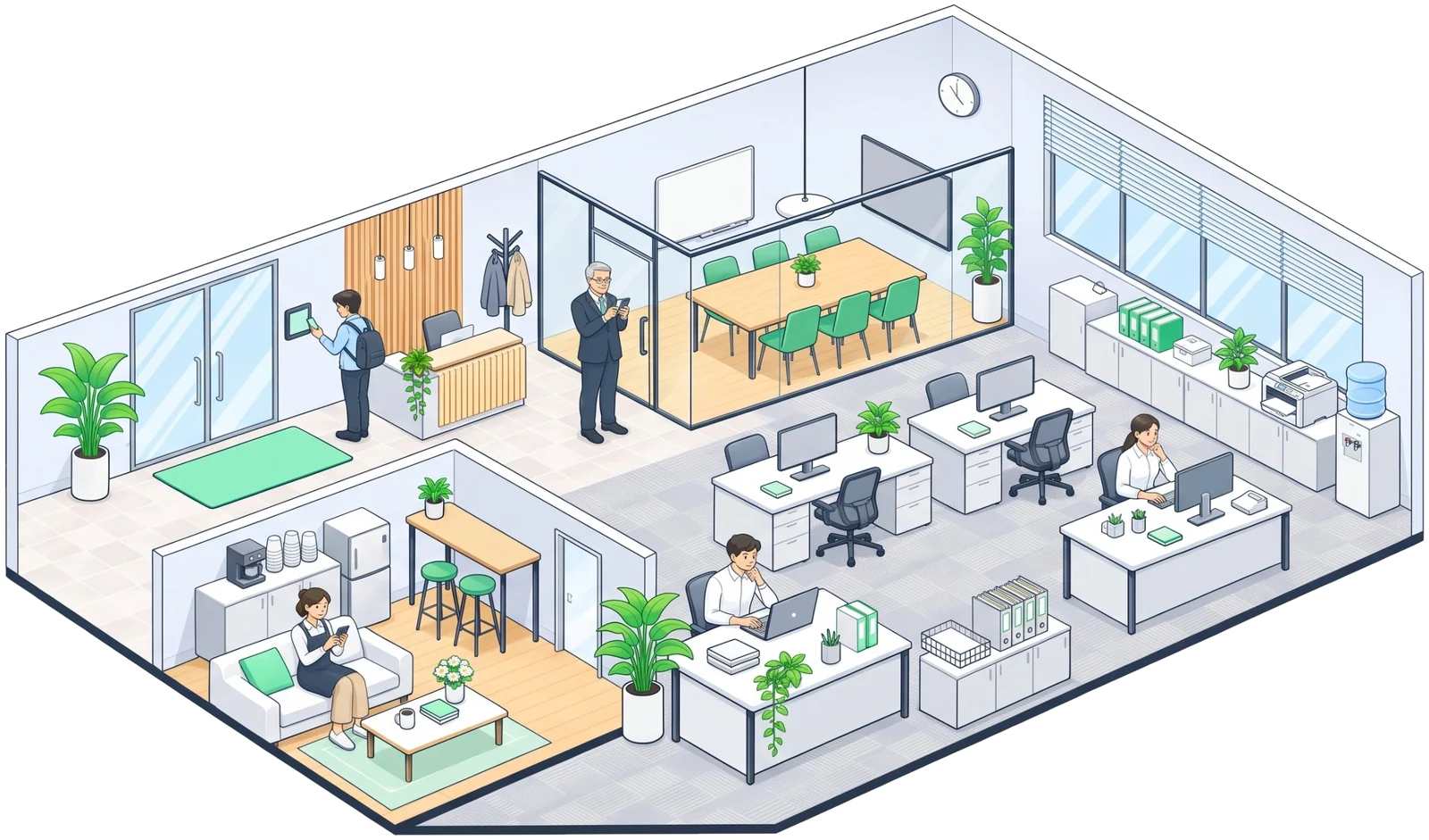
Clock in on a shared device
Employees clock in by having the tablet scan the QR code in their app.
Clock-in cards + PIN
Issue cards and PINs to employees without smartphones.
Networks permitted for clock-in
Accepts clock-ins only from registered IP address ranges, such as office Wi-Fi.
Location and shared device detailsNo tracking, device registration, work location range
- No tracking during work. Only administrators who manage attendance can view it
- Shared devices are registered with a one-time code issued in the admin console. The clock-in QR code changes every 30 seconds
- When you register work locations (name, position, radius), clock-ins from outside the area are flagged (they are still accepted)
- Location is not recorded for clock-ins on shared devices