This page is a translation of the Japanese page. Inquiries and support are handled in Japanese. The admin console is available in Japanese only; the employee app supports 日本語, English, Tiếng Việt, 中文(简体), 中文(繁體), 한국어 and नेपाली.
For multi-store restaurant and retail companies
Work and communication for all stores in one place.
Shift preferences in the app, clock-in on store tablets.
Ideal forMulti-store restaurants and retailers staffed mainly by part-time employees
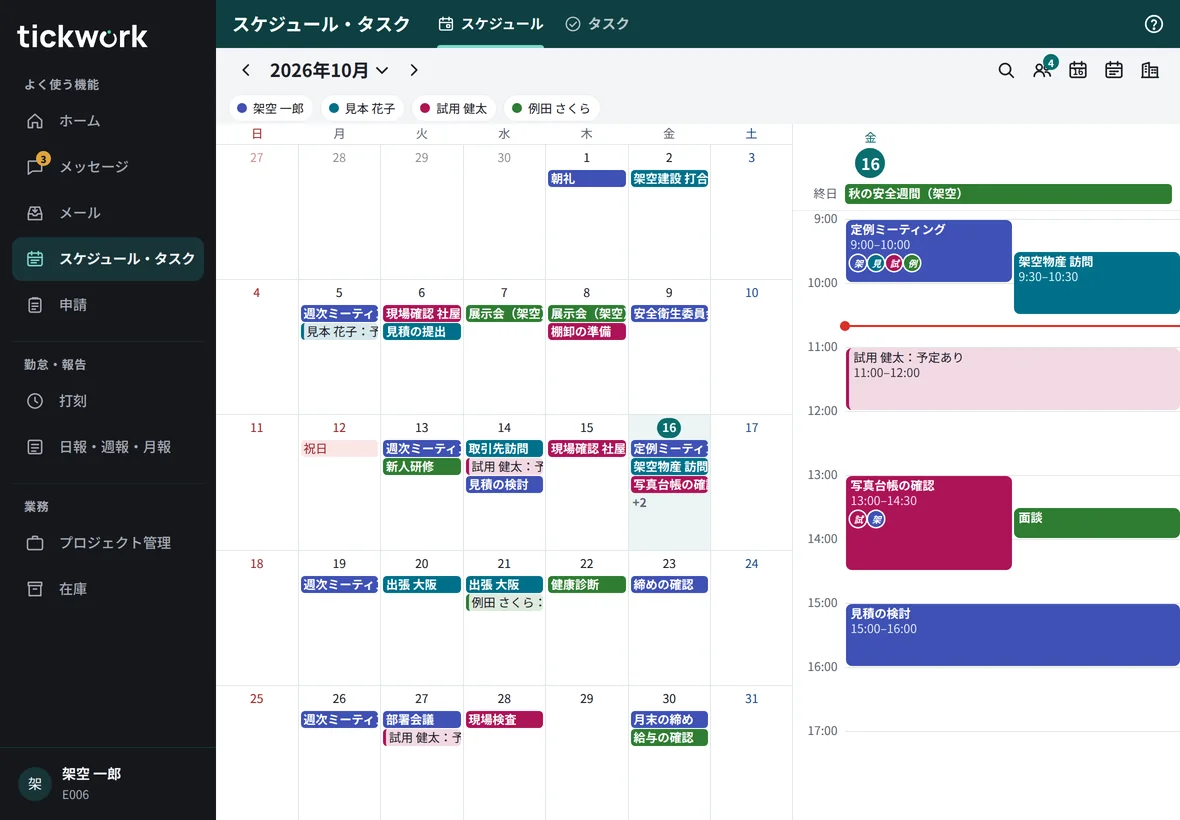
Note: Screens are for illustration purposes only (the data shown is fictional).
Eliminating effort and oversights in multi-store restaurants and retail
-
01Now
Store managers create shift schedules in Excel and send photos of them
With TickworkStaff submit shift preferences in the app, and store managers apply them to the work schedule.
Work schedules and shift preferences: detailed description -
02Now
Paper time cards are entered by hand at headquarters
With TickworkStaff can also clock in on the store tablet with a clock-in card and PIN.
Clock-in on store tablets: detailed description -
03Now
It is not known whether communications from headquarters have been read
With TickworkSend announcements to selected stores and check how many have read them.
Announcements: detailed description -
04Now
Headquarters cannot review attendance at each store together
With TickworkStore managers review their own store; headquarters reviews attendance for all stores.
Locations (stores): detailed description
A day at a multi-store restaurant and retail company (example)
-
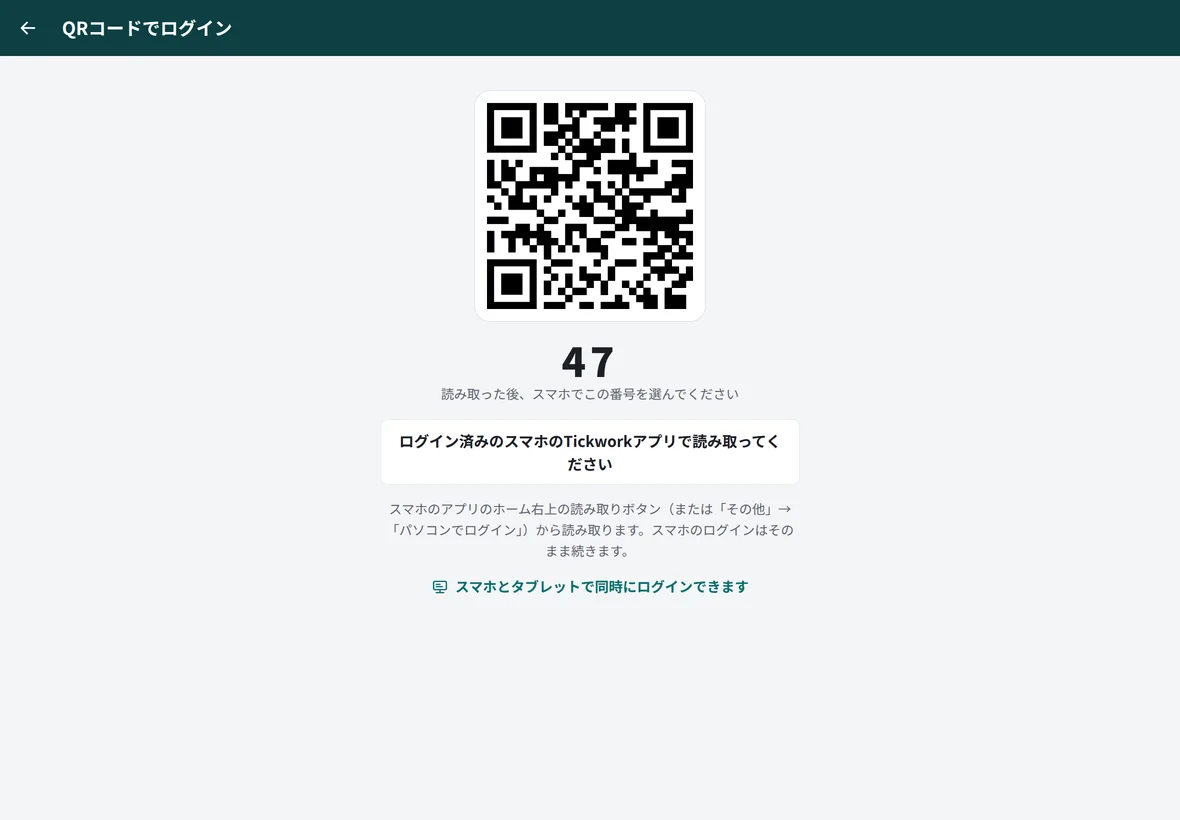
Before openingStaff
Clock in on the store tablet.
-
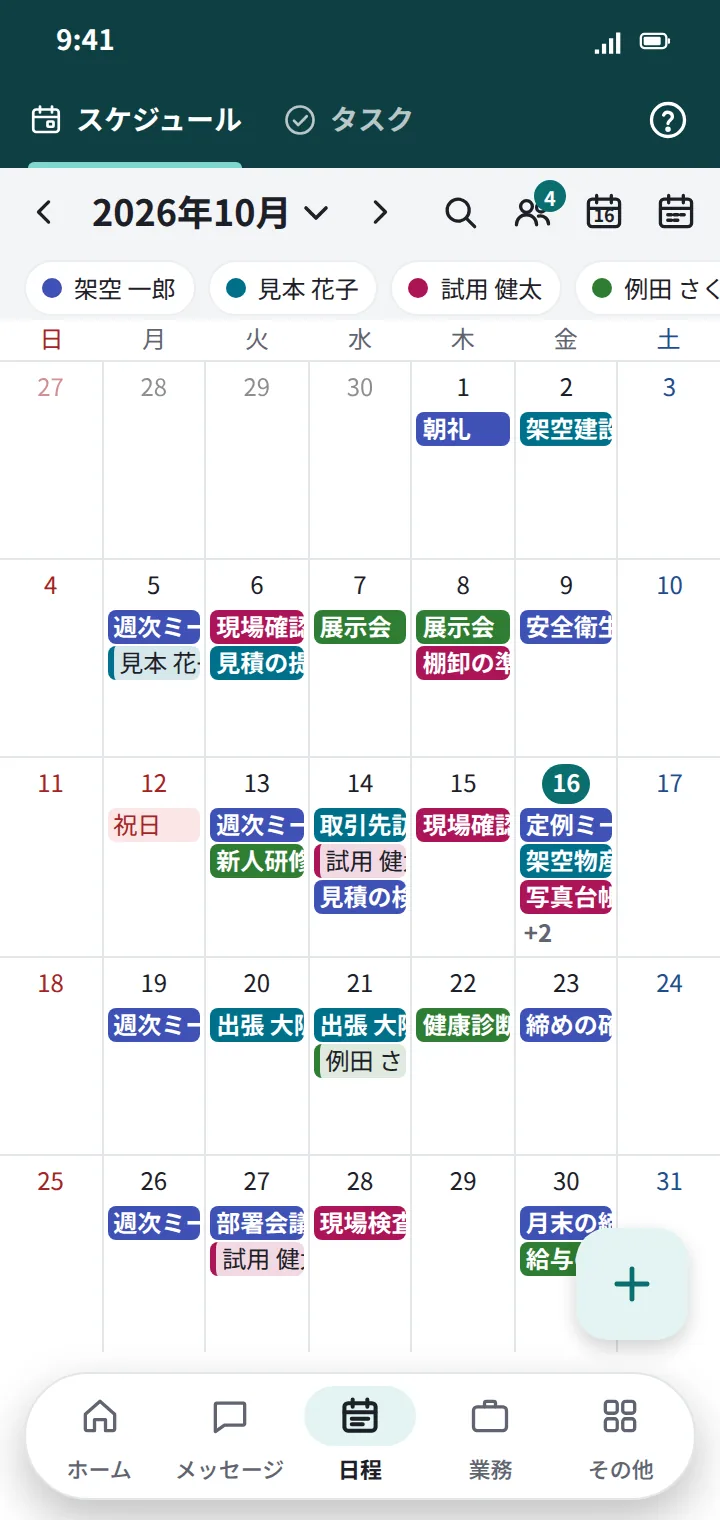
Lunch breakStaff
Submit shift preferences for next month in the app.
-
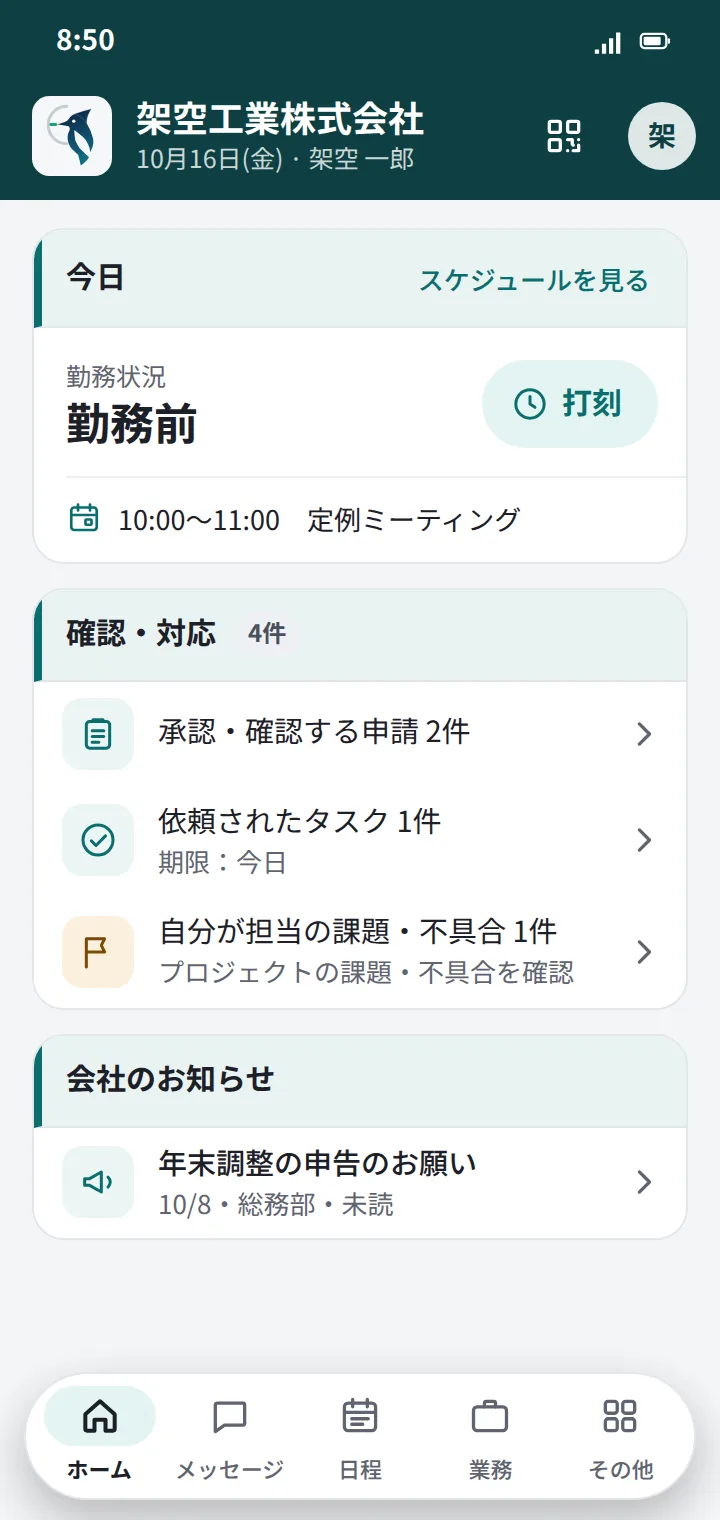
AfternoonHeadquarters
Send announcements to all stores and check how many people have read them.
-
Month-endHeadquarters
Review attendance for all stores and calculate payroll.
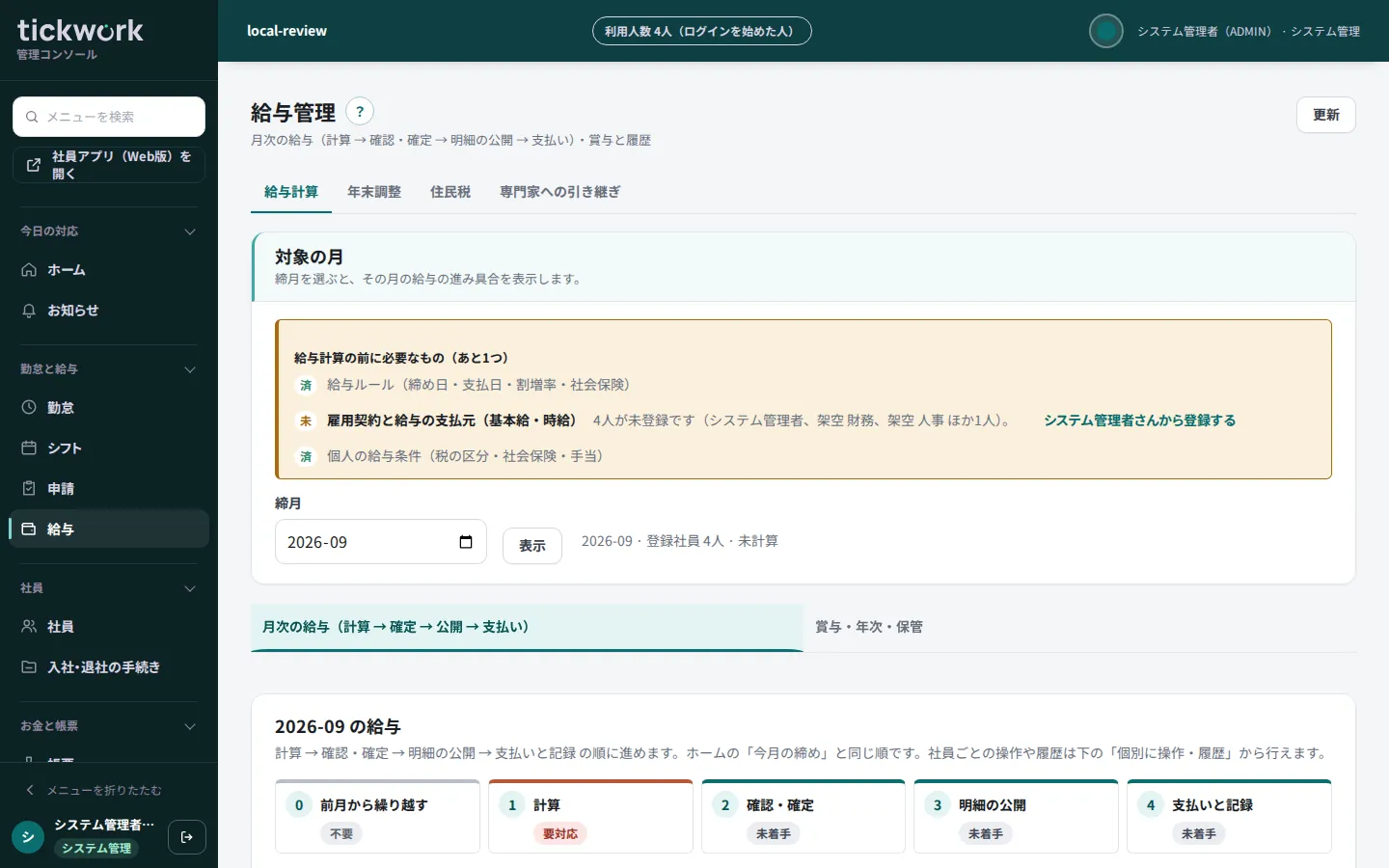
Note: Screens are for illustration purposes only (the data shown is fictional).
Combine common features
For two or more modules,
- Shared device clock-in and clock-in cards
- Work schedules and shift preferences
- Management by location (store)
- Announcements and read confirmations
- Inventory and purchase orders
- Cash book (AI receipt reading)
- Consultation desk and customer harassment records
- Payroll calculation and payslip publication
Industry-specific initial settings Choosing an industry fills in default values for features, business documents and work rules. About industry-specific initial settings
Pricing guide
Example: 30 people, including part-time staff, using the app
Billable users are the total of registered employees (regardless of employment type, including those not yet logged in) and invited partner company members. Billable users
Frequently asked questions
Are part-time employees counted as billable users?
Yes, they are included. Registered staff count toward billable users regardless of employment type, including those who have not yet logged in. Users whose access has been suspended are not included.
Does it integrate with POS registers?
There is no automatic integration with POS registers. Stock quantities can be synchronized with Shopify online stores.
Note: AI reading for the cash book is free up to a set number of pages each month (see the Pricing page). Please also see the usage example for a multi-store restaurant and retail company (fictional company).
Please feel free to
We will ask about your number of users and the features you need, and advise you on how to proceed with implementation.
- Free 30-day trial
- No card required
If you would like to review materials first, please request materials (we will send a PDF by email).